Best WebXR Experiences You Can Try Right Now (2026)
No install required. WebXR delivers immersive AR and VR experiences directly in your browser. Here are 10 of the best WebXR experiences in 2026 - from Mozilla Hubs to Sketchfab to Google's creative experiments.
Quick Answer
No install required. WebXR delivers immersive AR and VR experiences directly in your browser. Here are 10 of the best WebXR experiences in 2026 - from Mozilla Hubs to Sketchfab to Google's creative experiments.
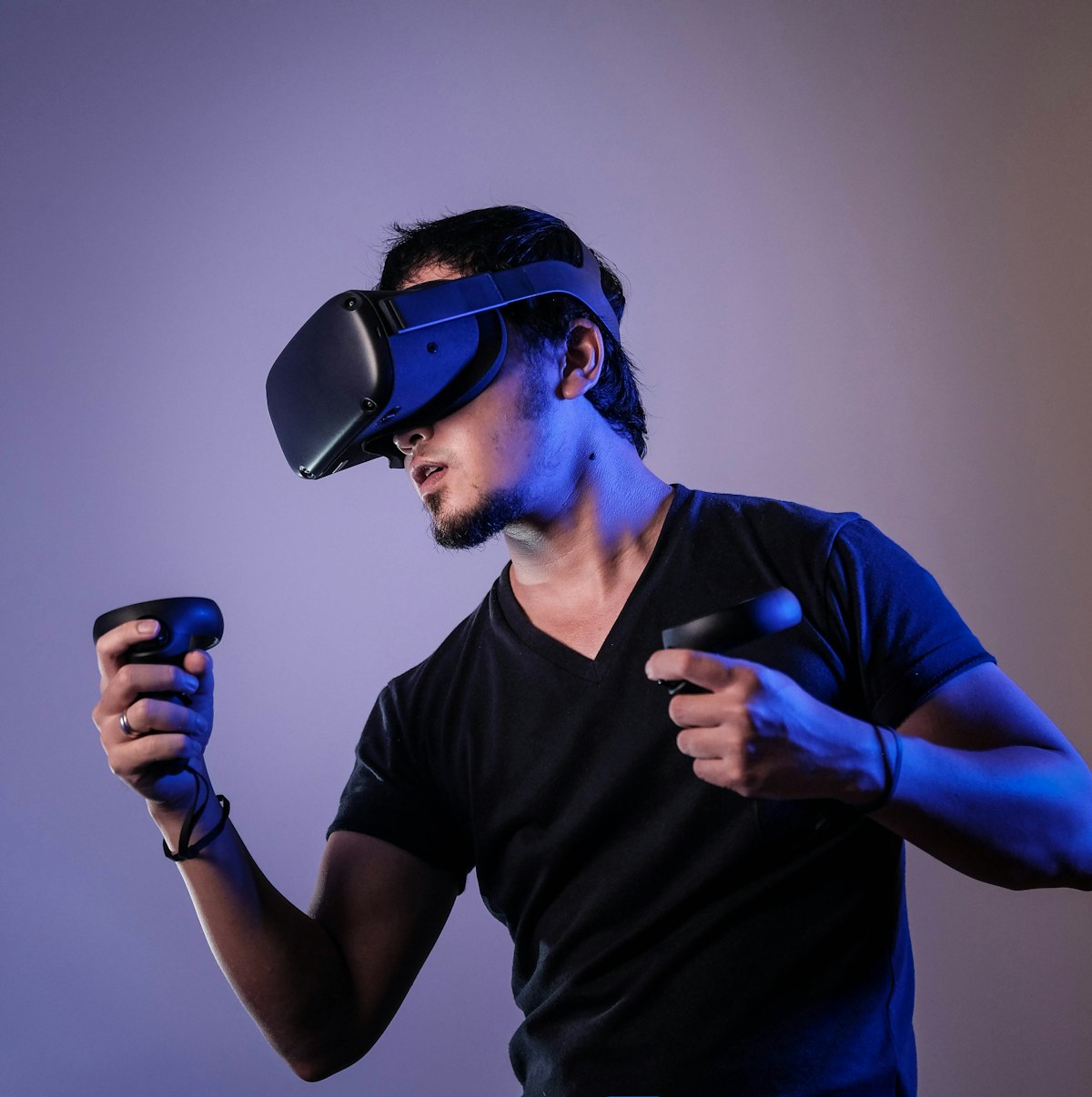
WebXR is the unsung hero of the immersive web. Built on open web standards and accessible through any modern browser - no app store, no install, no gatekeepers - WebXR experiences can run on a Meta Quest headset, an iPhone, a desktop PC, or a $300 Android phone. The barrier to entry is zero. Open a URL and you're in.
In 2026, WebXR has matured significantly. The Immersive Web Working Group has shipped stable APIs for hit testing, hand tracking, and mesh detection. Developers are building experiences that would have required a native app just two years ago. Here are ten of the best WebXR experiences you can try right now - with a URL, no download required.
Note: For the best experience on most of these, use Chrome or Firefox on a Meta Quest headset or an ARCore-compatible Android device. Many also work on desktop with a mouse/keyboard in a flat 3D view.
Best WebXR Experiences in 2026: At a Glance
| #⇅ | Company⇅ | Type⇅ | Best For⇅ |
|---|---|---|---|
| 1 | Mozilla Hubs | Social WebXR | Open-source browser-based social VR with no app install required |
| 2 | Sketchfab | 3D Model Viewer | WebXR-enabled 3D model viewer with millions of assets |
| 3 | Google Arts and Culture | Cultural Heritage VR | Museum tours and cultural experiences accessible via browser |
| 4 | Three.js Journey | WebXR Demos | Interactive 3D web demonstrations powered by Three.js |
| 5 | A-Frame | WebXR Framework Showcase | Open-source framework for building VR experiences on the web |
| 6 | Immersive Web Dev Samples | Technical Showcase | Google's reference implementations for WebXR features |
| 7 | VRSites | WebXR Directory | Curated collection of live WebXR experiences across categories |
| 8 | Wonderland Engine Showcase | WebXR Games | High-performance browser-based VR game demonstrations |
| 9 | Needle Tools | Unity-to-WebXR | Unity-exported interactive 3D web experiences |
| 10 | WebXR Experiments by Google | Creative Demos | Experimental AR and VR demos from Google's creative labs |
1. Mozilla Hubs - Open Social VR in a Browser
Mozilla Hubs is the original WebXR social platform - a room-based virtual meeting space you enter via a URL. Create a room in seconds, share the link, and up to 25 people can join from any device including non-VR desktops and phones. Rooms support 3D object import, screen sharing, and spatial audio. The 2026 "Spoke 2.0" scene editor makes building custom environments straightforward. It's used by educators, researchers, and remote teams globally.
- URL: hubs.mozilla.com
- Headset Required: No - works on desktop, mobile, and VR
- Standout: No install, no account required to join a room
- Use Case: Virtual events, meetings, classrooms, exhibitions
2. Sketchfab - 3D Model Viewer with WebXR
Sketchfab hosts millions of 3D models - from photogrammetry scans of ancient artifacts to game-ready characters - and every model supports WebXR viewing. Click the VR icon in any model and it expands to full immersive scale in your headset. Walk around a Roman forum reconstruction. Inspect a 3D scan of a da Vinci sculpture at arm's length. It's the world's largest 3D viewing experience, entirely in the browser.
- URL: sketchfab.com
- Headset Required: Optional - works on desktop/mobile without VR
- Standout: Millions of models available including museum-quality cultural heritage scans
- Use Case: 3D model review, education, art, archaeology
3. Google Arts & Culture - Cultural Heritage in VR
Google Arts & Culture has expanded its immersive experiences to WebXR, with virtual museum tours, gigapixel art inspection, and 360-degree historical reconstructions accessible directly from arts.google.com. The "Art Projector" feature uses WebXR AR on mobile to display scaled artwork in your room. The Van Gogh 360 experience and the British Museum virtual tour are particular highlights. High-quality content from 2,000+ partner institutions.
- URL: artsandculture.google.com
- Headset Required: No - AR features on mobile, VR on headset
- Standout: Museum-quality 360 tours and AR art projections
- Use Case: Education, art appreciation, cultural tourism
4. Three.js Journey - Interactive 3D Web Demo Collection
Three.js Journey's showcase gallery (threejs-journey.com/showcase) is a curated collection of stunning WebXR and 3D web demos from developers learning Three.js. Individual entries push browser-based 3D to its limits - fluid simulations, procedural landscapes, particle physics, and interactive installations. Many support WebXR for headset viewing. It's the best single place to see what's technically possible in browser-based XR in 2026.
- URL: threejs-journey.com/showcase
- Headset Required: No - most experiences are desktop-first with VR mode
- Standout: Cutting-edge technical demonstrations of browser 3D capabilities
- Use Case: Developer inspiration, technical exploration, creative demos
5. A-Frame - WebXR Framework Showcase
A-Frame (aframe.io), Mozilla's HTML-based WebXR framework, includes a gallery of community-built experiences spanning games, artistic installations, educational demos, and social spaces. Each example is a single HTML file you can open and modify. The aframe.io/showcase page is a curated highlight reel showing what non-programmers can build using A-Frame's declarative syntax. It's also the fastest way to start building your own WebXR experience.
- URL: aframe.io
- Headset Required: Optional - all experiences work on desktop
- Standout: Open source, every experience viewable and editable as HTML
- Use Case: WebXR development learning, creative exploration
6. Immersive Web Dev Samples - Google's Technical Showcase
The Immersive Web Working Group's sample collection (immersiveweb.dev) demonstrates every major WebXR API feature with clean, well-commented code. Try AR hit testing that places objects on detected surfaces, hand tracking demos that render your knuckles in real time, and WebXR Layers examples that show compositor-level rendering. Every developer building WebXR should walk through this collection. But it's also impressive to experience as a user.
- URL: immersiveweb.dev
- Headset Required: Yes - designed for headset testing
- Standout: Demonstrates features like hand tracking, hit testing, and DOM overlays
- Use Case: Developer reference, cutting-edge API demonstrations
7. VRSites - Curated WebXR Directory
VRSites (vrsites.com) is a community-curated directory of the best WebXR experiences, updated regularly. Categories include games, art, science, social, and tools. It's the most useful starting point for exploring what the WebXR community is building - a living index that surfaces high-quality work that's otherwise scattered across indie developer portfolios. Hundreds of experiences, all accessible with a single click.
- URL: vrsites.com
- Headset Required: Varies by experience
- Standout: Community-curated quality filter - no noise, only good stuff
- Use Case: Discovery, community building, developer showcasing
8. Wonderland Engine Showcase - High-Performance WebXR Games
Wonderland Engine is a WebXR-focused game engine that compiles to WebAssembly for near-native performance in the browser. Its showcase (wonderlandengine.com/showcase) demonstrates games and experiences that would have required a native app just three years ago. Physics-based puzzles, VR escape rooms, and interactive product demos all run at 90fps in a browser tab. Brands are increasingly using Wonderland for WebXR marketing experiences.
- URL: wonderlandengine.com/showcase
- Headset Required: Optimal with headset; flat preview available
- Standout: Native-app performance levels from WebAssembly compilation
- Use Case: High-performance WebXR games, interactive product demos
9. Needle Tools - Unity-to-WebXR Experiences
Needle Tools (needle.tools) has cracked the Unity-to-WebXR pipeline, letting Unity developers export polished experiences that run in any browser without plugins. The Needle showcase includes architectural visualizations, product configurators, and interactive art pieces that look and feel like native apps. For XR practitioners already in the Unity ecosystem, this is the most direct path to browser-based distribution.
- URL: needle.tools/showcase
- Headset Required: Optional - all experiences desktop-compatible
- Standout: Unity-quality visuals and interactions running natively in the browser
- Use Case: Architectural viz, product demos, Unity-to-web distribution
10. WebXR Experiments by Google - Creative AR/VR Demos
Google's Experiments with Google platform (experiments.withgoogle.com/collection/webxr) curates creative WebXR experiments from the developer community - interactive music visualizers, hand tracking art tools, educational simulations, and physics playgrounds. Each entry is polished and technically interesting. The AR experiments that work on Android Chrome without a headset are particularly impressive, placing interactive 3D objects in your room via the camera.
- URL: experiments.withgoogle.com/collection/webxr
- Headset Required: No - AR demos work on Android Chrome without VR headset
- Standout: AR experiments accessible on any modern Android device with no install
- Use Case: Creative inspiration, AR without a headset, learning WebXR capabilities
Frequently Asked Questions
What browser do I need for WebXR?
Chrome is the primary WebXR browser, with support starting from version 79. Firefox supports WebXR on desktop and was the first to support it in a standalone VR headset browser. On Meta Quest, the built-in Meta Browser and the downloadable Firefox Reality both support WebXR. Safari on iOS supports a limited subset of WebXR features via iOS 16+, with improving support in 2025-2026.
Can I experience WebXR without a VR headset?
Yes. Many WebXR experiences offer flat 3D previews on desktop browsers. AR experiences via WebXR work on any ARCore-compatible Android device (most Android phones from 2019+) using just the phone's camera - no headset required. Google Arts & Culture and the Google WebXR Experiments are particularly good for AR without a headset.
Is WebXR as good as native VR apps?
For most use cases, native apps still offer advantages in performance, features, and polish. However, the gap has narrowed dramatically with WebAssembly compilation (Wonderland Engine), progressive loading strategies, and improved WebXR APIs. WebXR's key advantage is frictionless distribution - no app store, no install, just a URL. This makes it ideal for marketing experiences, educational content, and cross-platform social applications.
Can WebXR experiences be shared easily?
Yes - that's WebXR's greatest strength. Any WebXR experience is shareable as a URL. No app store approval, no regional restrictions, no device-specific downloads. Mozilla Hubs rooms can be shared as links that work on phones, desktops, and VR headsets simultaneously. This openness enables educational institutions, museums, and brands to deploy experiences globally without app store gatekeeping.
What's the future of WebXR in 2026 and beyond?
The WebXR Device API is stable and actively developed. Upcoming features include WebXR Layers for compositor-level efficiency, improved hand and eye tracking via the XR Hand Input module, and persistent anchors for placing content in specific real-world locations across sessions. As web performance continues to improve and browser vendors prioritize immersive standards, WebXR is positioned to become the primary distribution channel for accessible XR content.


Related reading: Enterprise XR in 2026: How Companies Are Using VR and AR · Top 10 XR Agencies for Enterprise Development
Ranking Methodology
- Platform support: Coverage across major XR platforms including Meta Quest, Apple Vision Pro, and PC VR.
- User ratings: Aggregated scores from app stores with minimum review volume thresholds.
- Content quality: Depth of content, update frequency, and overall production values.
- Value for money: Price-to-content ratio compared across free and paid options.
- Community and longevity: Active user base, developer responsiveness, and update cadence.
Related Resources on Reality Atlas
- XR Software Directory - Browse 500+ XR apps and platforms
- XR Hardware Guide - Compare headsets, smart glasses, and AR devices
- Best Free VR Apps in 2026 - Top free VR experiences across platforms
Frequently Asked Questions
What browser do I need for WebXR?
Chrome (v79+) is primary. Firefox supports WebXR on desktop and Quest. Safari has improving support on iOS 16+.
Can I experience WebXR without a VR headset?
Yes. AR WebXR works on any ARCore-compatible Android phone. Many experiences have flat 3D desktop previews.
Is WebXR as good as native VR apps?
Native apps still have performance and feature advantages, but the gap has narrowed. WebXR's strength is frictionless URL-based distribution.
Can WebXR experiences be shared easily?
Yes - just share the URL. No app store approval, no regional restrictions, works on phones, desktops, and VR headsets.