How to Get Started with XR Development: Complete Beginner Guide
How to Get Started with XR Development: Complete Beginner Guide
New to XR development? This complete beginner guide covers everything you need to know: what XR is, which tools to learn, how to build your first AR/VR project, and how to grow a career in spatial computing.
Extended reality (XR) - the umbrella term for augmented reality, virtual reality, and mixed reality - is one of the most exciting and rapidly growing fields in software development. The tools are more accessible than ever, the job market is strong, and the opportunity to build experiences that were science fiction a decade ago is now available to anyone willing to learn.
This guide walks you through everything you need to start your XR development journey: what the technology actually is, which tools and platforms to focus on, how to build your first project, and how to think about growing a career in spatial computing.
What Is XR Development?
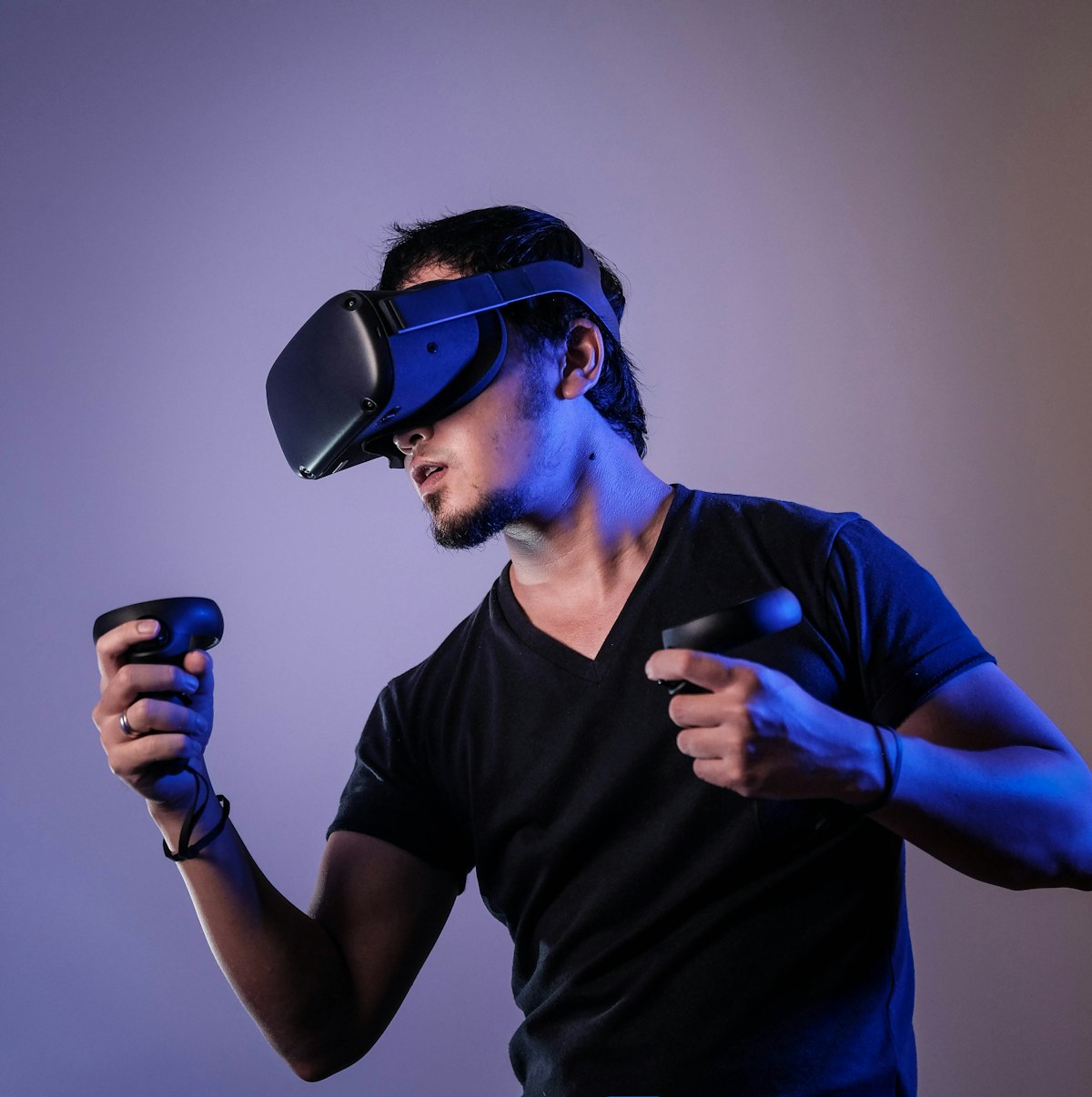
XR development is the practice of creating software for augmented reality (AR), virtual reality (VR), and mixed reality (MR) platforms. Rather than building for flat 2D screens, XR developers create three-dimensional interactive experiences that users inhabit - wearing headsets, holding controllers, using hand tracking, and navigating spatial interfaces.
The field spans a huge range: casual VR games, enterprise training simulations, AR apps that overlay digital content on smartphone cameras, productivity tools for mixed reality headsets, spatial computing applications for Apple Vision Pro, and browser-based WebXR experiences that require no app installation.
XR Platform Landscape in 2026
Meta Quest (Horizon OS)
Meta Quest 3 and Quest 3S are the dominant standalone VR/MR platforms. With millions of devices in the market and a mature app ecosystem, Quest is the most common target for new XR developers. Development uses Unity or Unreal with Meta's Interaction SDK, and deployment is through the Meta Horizon Store.
Apple Vision Pro (visionOS)
Apple's spatial computer runs visionOS, a new operating system designed from the ground up for spatial experiences. Development uses Swift/SwiftUI with RealityKit and ARKit. The Apple Developer Program ($99/year) gives access to visionOS simulators, documentation, and the ability to publish to the App Store.
WebXR (Browser-Based)
WebXR enables AR and VR experiences that run in a web browser - no app installation required. Built with JavaScript using Three.js, A-Frame, or Babylon.js, WebXR apps work across headsets, phones, and tablets. This is the easiest distribution path for consumer-facing AR campaigns and the most accessible starting point for web developers transitioning to XR.
Mobile AR (ARKit/ARCore)
Phone-based AR using Apple ARKit (iOS) and Google ARCore (Android) powers the most widely used AR experiences globally - from Pokémon GO to IKEA Place to Snapchat filters. React Native, Unity, and native Swift/Kotlin are common development paths. No headset required.
Essential Skills for XR Developers
Programming
C# in Unity is the most common XR programming language. C++ in Unreal is more complex but powerful. JavaScript/TypeScript for WebXR. Swift for native visionOS development. Python is rarely used in real-time XR applications due to performance constraints.
3D Mathematics
XR development requires comfort with 3D math: vectors, matrices, quaternions, coordinate systems, and transformations. You do not need to derive these from scratch - game engines abstract most of it - but understanding what is happening under the hood helps enormously when debugging spatial positioning, rotation, and scale issues.
Real-Time 3D Fundamentals
Understanding rendering pipelines, draw calls, LOD (level of detail), texture atlasing, polygon budget management, and material/shader basics is critical for optimizing XR applications. Headsets have strict performance requirements (maintaining 72–120 FPS to prevent nausea), making optimization skills essential rather than nice-to-have.
XR-Specific Concepts
Six degrees of freedom (6DoF) vs. three (3DoF) tracking. Spatial anchors and world-locking. Hand tracking and gesture recognition. Comfortable locomotion in VR (teleportation, arm-swinger, smooth locomotion). Interaction models for AR vs. VR. Understanding presence, comfort zones, and the IPD (interpupillary distance) calibration.
Your First 90-Day XR Learning Plan
Days 1–30: Foundations
- Complete Unity Learn's Roll-a-Ball and Unity Essentials pathways (free at learn.unity.com)
- Install Unity 2022 LTS or newer with XR Plugin Management and the XR Interaction Toolkit
- Build a basic VR scene: a room, grabbable objects, and a locomotion system
- Watch the Unity XR Interaction Toolkit official tutorial playlist on YouTube
- If you have a Quest or Quest 3S, sideload your first build via Meta Quest Developer Hub
Days 31–60: Core XR Mechanics
- Build a VR mini-game with scoring and a main menu
- Implement hand tracking (XR Interaction Toolkit supports Meta hand tracking out of the box)
- Study comfort and accessibility guidelines from Meta's and Apple's developer documentation
- Add spatial audio using Unity's Audio Source components in 3D space
- Learn basic shader concepts using Unity's Shader Graph
Days 61–90: Portfolio Project
- Build a complete, polished XR experience - a training module, a simple game, or an AR app
- Optimize for performance: profiler session, draw call reduction, LOD implementation
- Deploy to the Meta App Lab (free distribution) or to a web server as a WebXR experience
- Document the project in a detailed README with screenshots and videos
- Share on GitHub, LinkedIn, and XR communities (r/gamedev, r/XRdevelopment)
Building a Portfolio That Gets You Hired
Your portfolio is more important than any credential for XR positions. Hiring managers want to see actual builds, not course certificates. Every project should demonstrate a complete, polished experience - even if it is small and focused. Show the problem it solves, the technical decisions made, and ideally a video walkthrough.
Focus on breadth initially: one mobile AR app, one standalone VR experience, one WebXR project. Once you have the foundation, specialize in the platform or use case you want to work in professionally. A deep, polished VR training simulation portfolio is more compelling than five shallow demos.
XR Communities and Learning Resources
- Unity XR Interaction Toolkit documentation and samples repository (GitHub)
- Meta Quest Developer Documentation: developer.meta.com
- Apple Developer Documentation for visionOS and RealityKit
- WebXR Samples by immersiveweb.dev
- Coursera: Unity XR Development Specialization (paid, but comprehensive)
- Three.js Journey by Bruno Simon (excellent for WebXR foundations)
- r/XRdevelopment and r/virtualreality subreddits
- AWE (Augmented World Expo) and VRDC conference talks on YouTube
Getting Your First XR Job
The XR job market favors demonstrated skills over credentials. A strong GitHub portfolio, shipped App Store experiences, and evidence of technical depth in at least one platform will outperform any degree or certificate in hiring decisions. Junior XR developers typically earn $70,000–$95,000 in the US; mid-level developers with 2–5 years experience command $100,000–$140,000+.
Target XR agencies early in your career for the fastest skill development. Studios like Treeview build products across multiple platforms and industries - the exposure is invaluable for building the portfolio and technical depth that higher-paying in-house roles at Apple, Meta, and Google require.
Frequently Asked Questions
Do I need to know programming to start XR development?
Basic programming knowledge helps, but Unity's visual scripting (Bolt/Visual Scripting) and Unreal's Blueprint system let you build XR experiences without writing code. Most serious XR developers learn C# (Unity) or C++ (Unreal) to go beyond basics.
What is the best engine for XR beginners?
Unity is generally the best starting point for XR beginners. It has better documentation, a larger community, and more XR-specific tutorials than alternatives. The Unity XR Interaction Toolkit provides out-of-the-box VR controllers, hand tracking, and AR foundations.
Do I need a VR headset to start learning?
No — Unity and Unreal both offer in-editor XR simulation that lets you build and test without a headset. A headset is necessary for real testing and is strongly recommended, but the Meta Quest 3S at $299 is a reasonable entry point.
How long does it take to learn XR development?
With dedicated study (10–15 hours/week), most people can build a basic working XR project within 4–8 weeks. Becoming job-ready typically takes 6–18 months depending on your programming background and how much you build.
Explore Reality Atlas
The Industry Directory for XR, AR/VR & Spatial Computing.