
Best Meta Quest Apps in 2026: Top Productivity, Fitness & Creative Tools
The 12 best non-game Meta Quest apps ranked - from Virtual Desktop and Supernatural to Gravity Sketch, Immersed, and Wander. The essential apps for every Quest owner.
Quick Answer
The 12 best non-game Meta Quest apps ranked - from Virtual Desktop and Supernatural to Gravity Sketch, Immersed, and Wander. The essential apps for every Quest owner.
Meta Quest is far more than a gaming device. Its App Lab and Quest Store host a growing ecosystem of productivity tools, fitness platforms, creative applications, and enterprise solutions that are redefining what a standalone VR headset can do. This guide covers the 12 best non-game apps for Meta Quest in 2024.
Best Meta Quest Apps in 2026: At a Glance
- Virtual Desktop - PC Streaming - Stream and control your PC wirelessly from inside your Quest headset
- Supernatural - Fitness - Guided fitness workouts in stunning natural environments
- Immersed - Productivity - Multi-monitor virtual workspace for focused remote work
- ENGAGE XR - Education/Events - XR platform for education, training, and professional events
- TRIPP - Wellness - Mindfulness and wellness experiences for stress reduction
- Gravity Sketch - Design - Professional 3D sketching and design in VR
- Spatial - Collaboration - 3D collaboration platform for teams and creators
- Microsoft Mesh - Enterprise - Mixed reality meetings and collaboration by Microsoft
- Figmin XR - Creativity - AR creation and spatial content tool
- Horizon Workrooms - Collaboration - Free team collaboration environment by Meta
- Headspace XR - Wellness - Immersive guided meditation from the Headspace team
- Wander - Exploration - Explore the world through immersive satellite and street imagery
Ranking Methodology
- Platform support: Coverage across major XR platforms including Meta Quest, Apple Vision Pro, and PC VR.
- User ratings: Aggregated scores from app stores with minimum review volume thresholds.
- Content quality: Depth of content, update frequency, and overall production values.
- Value for money: Price-to-content ratio compared across free and paid options.
- Community and longevity: Active user base, developer responsiveness, and update cadence.
1. Virtual Desktop - 9.2/10
Virtual Desktop is the killer productivity app for Meta Quest, turning your headset into a wireless PC monitor that floats anywhere you point it. The core concept is simple: stream your Windows or macOS desktop wirelessly to your Quest at ultra-low latency, resize the virtual screen to fill your entire field of view, and work from wherever you want. In practice, the experience is remarkably polished and genuinely useful.
What sets Virtual Desktop apart from Meta's own Remote Desktop solution is the depth of customization and performance. You can configure the virtual display size (from a modest laptop screen to a cinema-scale wall), adjust curvature, set refresh rates, and use multiple virtual monitors side-by-side. Latency on a good 5 GHz network is low enough for photo editing, coding, and spreadsheet work without frustration.
The app also supports PCVR game streaming, letting you play SteamVR titles wirelessly on your Quest - a feature that effectively turns a $500 standalone headset into a wire-free PCVR device. For anyone who works remotely or wants to extend their PC display into a portable virtual workspace, Virtual Desktop is indispensable.
- Price: $19.99
- Category: Productivity / PC Streaming
- Compatibility: Windows & macOS
- Streaming: Wi-Fi 5/6 (5 GHz recommended)
- Resolution: Up to 4K per eye
- Requires: Meta Quest 2/3/Pro
- Download: Meta Quest Store → https://www.meta.com/experiences/virtual-desktop/2017050365004772/
2. Supernatural - 9.0/10
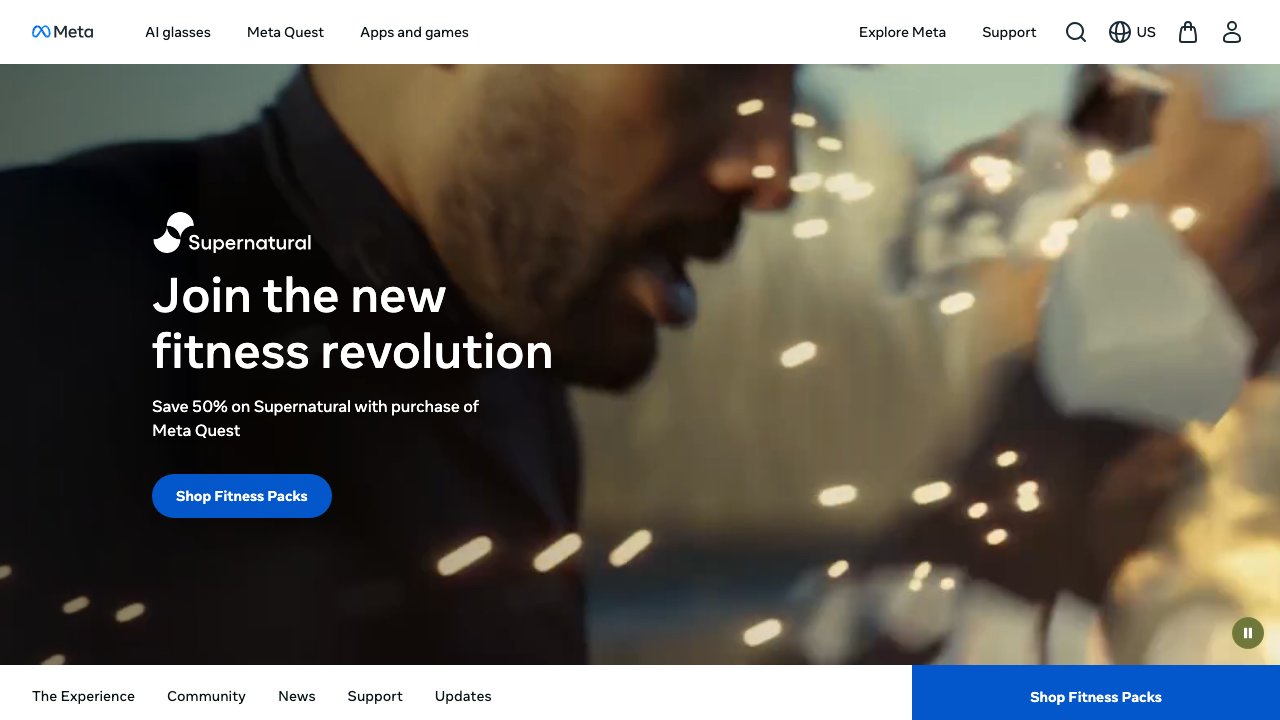
Supernatural is the premium fitness platform for Meta Quest, and it earns that status through sheer quality of production. Every workout is filmed at a breathtaking real-world location - Machu Picchu, the Egyptian pyramids, the Scottish Highlands - while a professional coach guides you through Beat Saber-style flow movements or boxing combinations. The result feels less like exercise and more like an adventure.
The content library is enormous and updated daily with new workouts, ensuring you'll never exhaust the catalog or plateau on a routine. Flow workouts have you reaching, squatting, and spinning to hit floating targets choreographed to licensed pop, hip-hop, and electronic music. Boxing sessions build real upper-body endurance. Stretch and meditation content rounds out the wellness offering.
At $9.99 per month, Supernatural is the most expensive recurring commitment on this list, but users who stick with it consistently report it replacing their gym membership. The accountability features - streaks, personal records, coach shout-outs - drive habit formation in ways that free fitness apps rarely achieve.
- Price: $9.99/month
- Category: Fitness / Wellness
- Workout types: Flow, Boxing, Stretch, Meditation
- Content: New workouts daily
- Coaching: Live and on-demand
- Requires: Meta Quest 2/3/Pro
- Download: Meta Quest Store → https://www.meta.com/experiences/supernatural/3133988906754263/
3. Immersed - 8.8/10
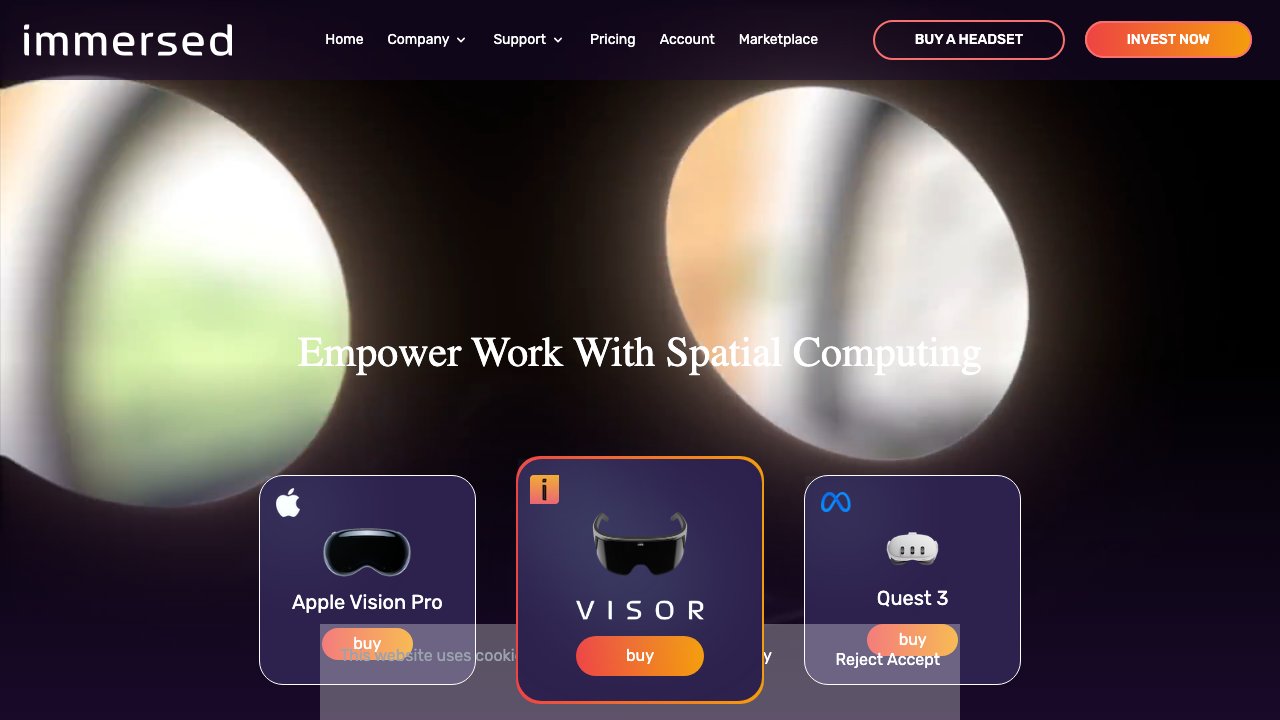
Immersed turns your Meta Quest into a fully configurable multi-monitor workstation that you can take anywhere. Where Virtual Desktop excels at single-screen streaming, Immersed specializes in the multi-monitor power-user workflow - you can arrange up to five virtual displays around yourself in three-dimensional space, resize them independently, and position them exactly as you would physical monitors on a desk.
The mixed reality passthrough mode (especially compelling on Quest 3 with its color passthrough) lets you blend virtual monitors with your physical environment, so you can see your keyboard and coffee cup while your virtual screens float in front of you. A built-in coworking lobby lets you share a virtual office space with colleagues, complete with spatial audio presence.
The free tier covers one virtual monitor, which is enough for casual use. The Pro subscription unlocks all five monitors, higher resolution streaming, and the coworking features. For remote workers, digital nomads, or anyone who misses their multi-monitor setup while traveling, Immersed is the most practical productivity investment on Quest.
- Price: Free / Pro subscription
- Category: Productivity / Multi-monitor
- Displays: Up to 5 virtual monitors
- Compatibility: Windows, macOS, Linux
- Passthrough: Mixed reality workspace
- Requires: Meta Quest 2/3/Pro
- Download: Meta Quest Store → https://www.meta.com/experiences/immersed/2849273531812512/
4. ENGAGE XR - 8.5/10
ENGAGE XR is the leading platform for education and enterprise events in VR, used by universities, corporations, and government agencies worldwide to deliver training, conferences, and interactive learning experiences. The platform hosts hundreds of prebuilt environments - from sleek boardrooms and university lecture halls to ancient Rome and outer space - and supports live events with hundreds of simultaneous attendees.
Where standard video conferencing tools create passive watching experiences, ENGAGE facilitates active participation. Attendees embody customizable avatars, approach virtual whiteboards, handle 3D models relevant to the training topic, and interact spatially with colleagues in ways that drive genuine information retention. Facilitators can share presentations, summon 3D objects mid-session, and teleport entire groups between locations.
The free tier allows individual exploration and small group sessions; enterprise licensing unlocks private environments, branded avatars, analytics, and dedicated support. ENGAGE XR is the enterprise VR platform with the broadest deployment track record, making it the logical starting point for organizations evaluating immersive training.
- Price: Free / Enterprise
- Category: Education / Enterprise Events
- Users: Thousands of organizations globally
- Content: 200+ environments and experiences
- Features: Presentations, training, live events
- Requires: Meta Quest 2/3/Pro
- Download: Meta Quest Store → https://www.meta.com/experiences/engage-xr/2101584139921916/
5. TRIPP - 8.3/10
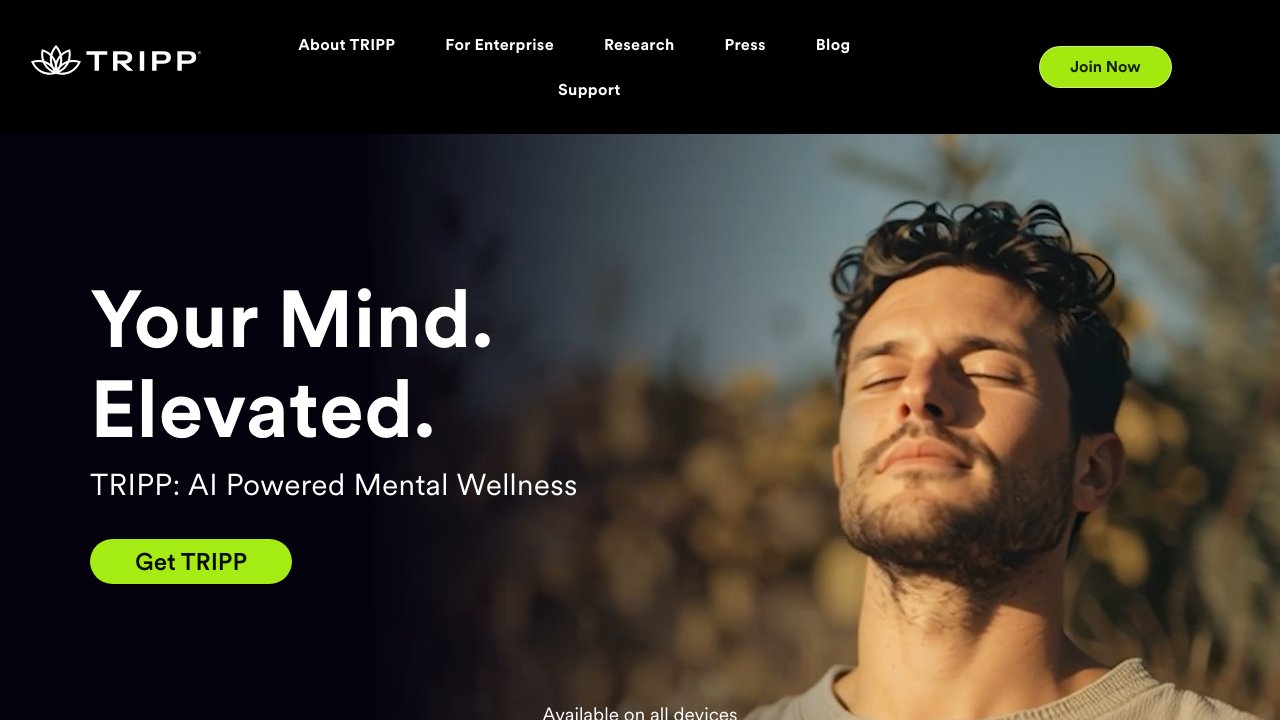
TRIPP is a science-backed mental wellness platform that uses immersive VR environments to guide users through mindfulness, stress reduction, and emotional regulation sessions. Rather than simply adding a nature backdrop to standard meditation audio, TRIPP designs each experience around psychological principles - visual stimuli, breathing-synchronized particles, and biofeedback cues that actively engage the nervous system toward a target mental state.
The session library spans four emotional zones: Calm (stress relief and relaxation), Focus (attention sharpening), Uplift (mood elevation), and Sleep (wind-down before bed). Each session runs five to twenty minutes and involves gentle guided breathing, visualization, and sound design engineered to shift your physiological state. Clinical studies have shown meaningful reductions in cortisol levels and perceived stress from regular TRIPP use.
The free tier offers a sample of each zone; the $4.99/month subscription unlocks the full library and personalized recommendations. For professionals dealing with high cognitive load, or anyone who finds traditional meditation difficult, the multisensory immersion of TRIPP creates a genuinely deeper relaxation response than apps on a phone screen.
- Price: Free / $4.99/month
- Category: Mental Wellness / Mindfulness
- Session types: Calm, Focus, Uplift, Sleep
- Duration: 5-20 minute sessions
- Evidence base: Peer-reviewed studies
- Requires: Meta Quest 2/3/Pro
- Download: Meta Quest Store → https://www.meta.com/experiences/tripp/2971314286226880/
6. Gravity Sketch - 8.9/10
Gravity Sketch is a professional-grade 3D design tool built natively for VR, and it's used by industrial designers, automotive studios, game artists, and architects at companies including Rolls-Royce, Nike, and Ford. The experience of sculpting in three-dimensional space with your hands, walking around your creation at real scale, and sharing a virtual studio with remote collaborators in real time is genuinely transformative for any creative workflow.
The toolset is comprehensive: stroke-based surface modeling, NURBS curves, solid primitives, and a layering system that supports complex multi-object scenes. The ability to sketch at 1:1 scale - standing inside a car design, for instance, to check ergonomics - collapses design iteration cycles that would otherwise require physical prototypes. Exports integrate cleanly with standard pipelines in SolidWorks, Keyshot, and Unreal Engine.
The free personal tier is genuinely capable for individual artists and students. The Pro subscription adds cloud storage, team collaboration features, and priority support. Gravity Sketch is the most powerful creative tool on Meta Quest and represents a genuine professional workflow, not just a toy.
- Price: Free / Pro subscription
- Category: 3D Design / Creative Tools
- Export formats: OBJ, FBX, STL, USDZ
- Collaboration: Multi-user real-time
- Integration: Figma, Autodesk, Unity pipelines
- Requires: Meta Quest 2/3/Pro
- Download: Meta Quest Store → https://www.meta.com/experiences/gravity-sketch/1587090851394426/
7. Spatial - 8.5/10
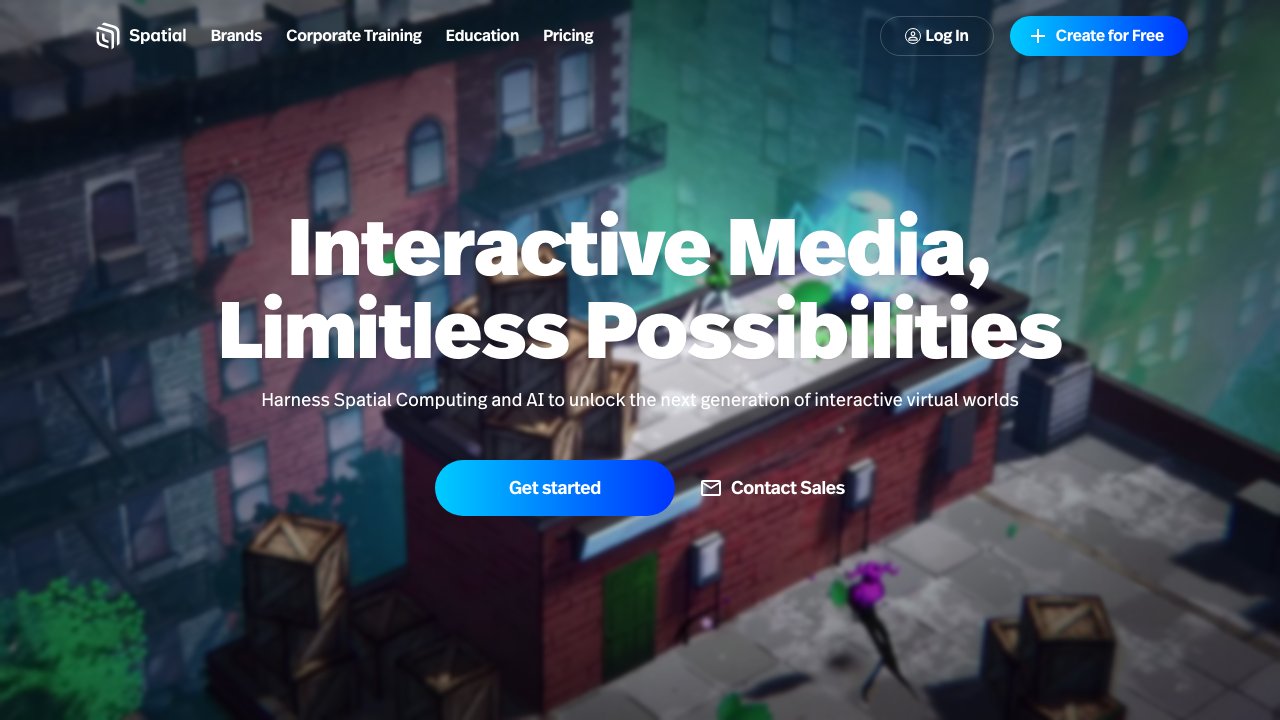
Spatial is one of the most polished virtual collaboration platforms available on Quest, offering a seamless blend of immersive meeting spaces, digital art galleries, and social events. The platform's web-based access means participants without VR headsets can join through a browser as an avatar, dramatically lowering the barrier to entry for mixed-reality meetings and events.
The environment builder is impressively accessible: you can import 3D models, upload images and videos, place interactive objects, and design a custom space in minutes without any coding knowledge. This has made Spatial popular for virtual art exhibitions, NFT drops, product launches, and educational events where the visual environment needs to reflect a brand or concept.
Real-time collaboration tools - spatial audio, screen sharing, presentation slides, whiteboard drawing - cover the standard enterprise meeting use case, while the social and creative features push Spatial into territory that Zoom and Teams can't reach. For organizations exploring metaverse strategies, Spatial offers the most polished and accessible entry point.
- Price: Free / Paid plans
- Category: Virtual Collaboration / Metaverse
- Platforms: Quest, web browser, iOS, Android
- Features: NFT galleries, event hosting, 3D objects
- Users: Millions of monthly visitors
- Requires: Meta Quest 2/3/Pro
- Download: Meta Quest Store → https://www.meta.com/experiences/spatial/5977625105600231/
8. Microsoft Mesh - 8.0/10
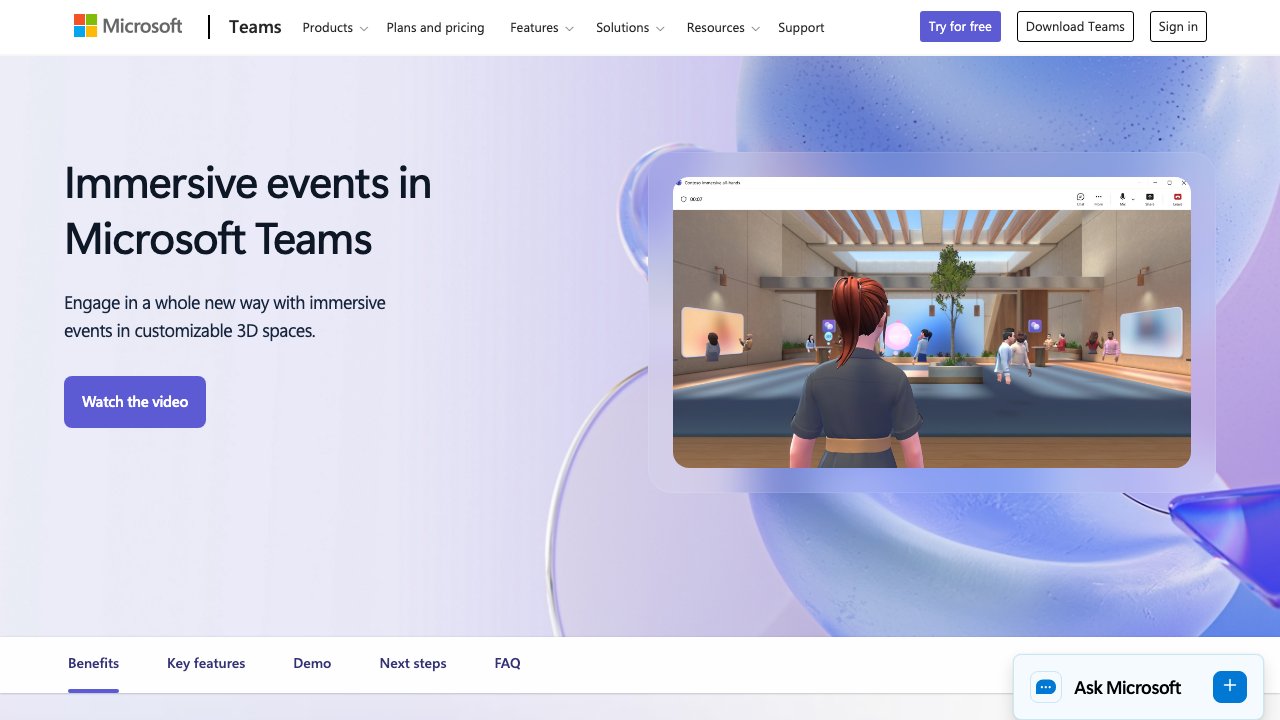
Microsoft Mesh brings Microsoft's enterprise metaverse vision to Meta Quest, integrating directly with Microsoft 365 and Teams to deliver immersive meeting spaces where photorealistic avatars replace video tiles. For organizations already running on Microsoft infrastructure, Mesh offers the smoothest path to VR-enhanced collaboration - meetings, team events, and training sessions that feel more connected than standard video calls.
The Mesh experience centers on 'immersive spaces' - prebuilt 3D environments (a lakeside retreat, a futuristic conference center, a space station) accessible directly from Teams on desktop or from the Quest headset. Avatar fidelity has improved significantly, with facial expression mirroring and gesture support making interactions feel more human than cartoon avatars in competing platforms.
Integration depth is Mesh's strongest card: calendar sync, file sharing via SharePoint, Teams chat alongside VR sessions, and Azure-powered security compliance all work as expected in enterprise environments. For Microsoft shops evaluating their XR collaboration strategy, Mesh is the natural starting point.
- Price: Included with Microsoft 365
- Category: Enterprise / Mixed Reality Meetings
- Integration: Microsoft 365, Teams, Azure
- Platforms: Quest, HoloLens 2, PC
- Features: Immersive spaces, avatar meetings, events
- Requires: Microsoft 365 subscription + Meta Quest
- Download: Meta Quest Store → https://www.meta.com/experiences/microsoft-mesh/6696679840374591/
9. Figmin XR - 8.2/10

Figmin XR is a creative sandbox that lets you paint, sculpt, and animate directly in your physical space using mixed reality passthrough. Unlike dedicated 3D modelers like Gravity Sketch, Figmin embraces accessible creativity - its tools are immediately intuitive for any age, and the ability to drop giant animated creatures onto your living room floor or paint glowing murals on your kitchen walls delivers the kind of childlike wonder that makes VR's potential immediately obvious.
The sticker library includes thousands of 3D objects - animals, plants, fantasy creatures, sci-fi props - that can be scaled, animated, and combined into elaborate scenes. The brush tools create smooth, colorful 3D strokes that hold their form in space. Portals let you punch holes in reality and place different environments on the other side, an effect that never stops being magical.
At a one-time $9.99 purchase, Figmin XR is one of the best value creative apps on Quest. It's excellent for casual creative exploration, augmented reality art projects, and introducing newcomers to the possibilities of mixed reality in an accessible, non-intimidating way.
- Price: $9.99
- Category: Creative / AR Drawing
- Tools: 3D brush, stickers, portals, animations
- Sharing: Export and share creations
- Passthrough: Mixed reality on Quest 3
- Requires: Meta Quest 2/3/Pro
- Download: Meta Quest Store → https://www.meta.com/experiences/figmin-xr/3264682343652062/
10. Horizon Workrooms - 8.0/10

Horizon Workrooms is Meta's own virtual office application, and as a free offering it packs a surprising amount of professional utility. The signature feature is the passthrough keyboard integration: your physical keyboard is mapped into the virtual space so you can type naturally while fully immersed, seeing your hands and desk through the passthrough cameras. Combined with a virtual screen for your PC, it creates a coherent mixed-reality workspace.
Collaborative features include a large virtual whiteboard (draw, add sticky notes, sketch diagrams together), screen sharing from any participant, and spatial audio that makes it easy to distinguish who's speaking based on their position around the virtual table. The Zoom integration bridge allows non-VR colleagues to join via standard video call and appear as tiles on a virtual screen inside your Workroom.
Workrooms won't displace Zoom for most organizations, but for teams where some or all members have Quest headsets, it offers a meaningfully more engaging meeting experience at zero cost. The avatar fidelity and environmental polish have improved substantially since launch, and Meta continues to invest in the platform.
- Price: Free
- Category: Virtual Office / Collaboration
- Features: Whiteboard, screen share, spatial audio
- Integration: Meta avatars, Zoom bridge
- Passthrough: Keyboard and desk passthrough
- Requires: Meta Quest 2/3/Pro + Meta account
- Download: Meta Quest Store → https://www.meta.com/experiences/horizon-workrooms/2514011888645651/
11. Headspace XR - 8.4/10
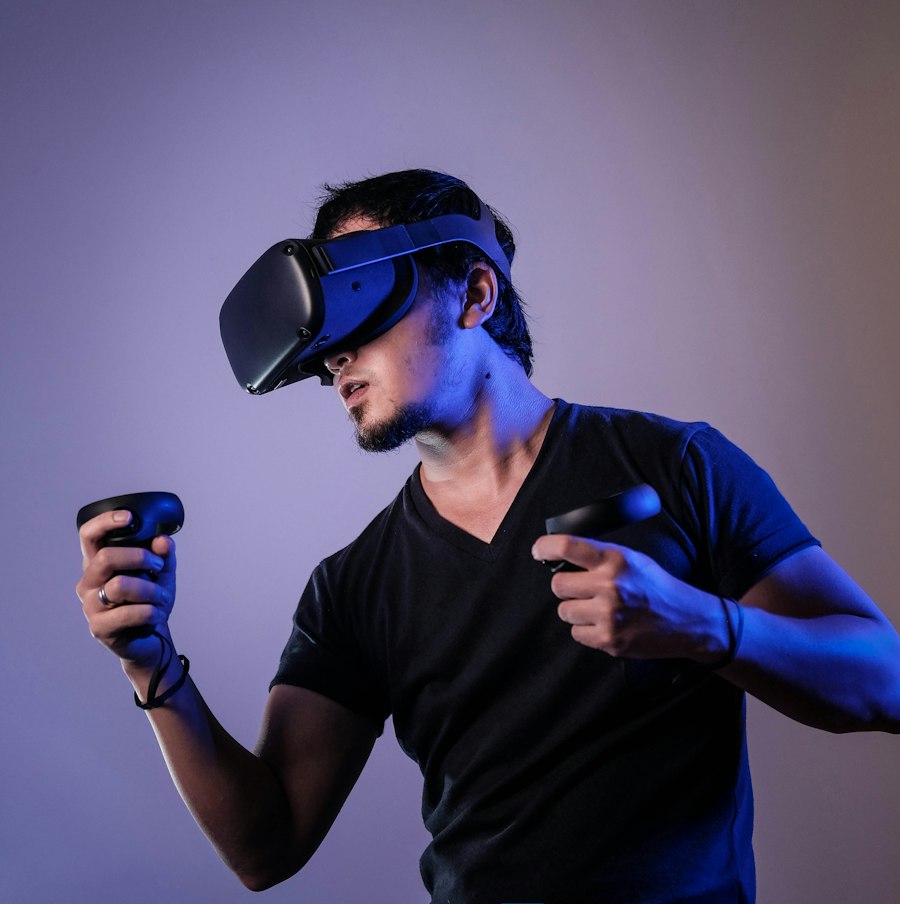
Headspace XR is the VR extension of the world's most downloaded meditation app, and it represents the most approachable mindfulness experience on Meta Quest. For the millions of people who already use Headspace on their phones, the XR app unlocks a deeper layer: instead of listening to a guided meditation with eyes closed, you inhabit a beautiful 3D environment - a Japanese zen garden, a luminous cloud world, a cozy night-sky cabin - while the familiar Headspace voice guides you through the session.
The research behind Headspace's meditation content is extensive, and the quality of the guided sessions, breathing exercises, and sleep aids is consistently high. The immersive environment adds measurable value: brain science research shows that multisensory environments reduce mind-wandering during meditation, and users report finding it easier to maintain focus and achieve deeper relaxation states in VR than with audio-only sessions.
Access requires an active Headspace subscription (available on iOS/Android), making this a premium within a premium. But for committed meditators who already subscribe, adding the Quest app costs nothing and meaningfully elevates the practice.
- Price: Subscription (Headspace app)
- Category: Meditation / Mental Wellness
- Content: 500+ guided sessions
- Environments: 10+ immersive 3D worlds
- Integration: Existing Headspace subscription
- Requires: Meta Quest 2/3/Pro + Headspace account
- Download: Meta Quest Store → https://www.meta.com/experiences/headspace/5119660961438177/
12. Wander - 8.5/10
Wander transforms the entirety of Google Street View into a virtual travel experience, letting you teleport to any Street View location on Earth and explore it at life scale. Standing on the Amalfi Coast, walking through the alleyways of Kyoto, or revisiting your childhood neighborhood from a decade ago - all of it is available instantly, with a quality of presence that no photo or video on a flat screen can replicate.
The History Mode feature is a remarkable addition: at supported locations, you can step through multiple years of Street View imagery to watch neighborhoods change, construction rise, and landscapes shift over time. It's a time machine as much as a travel app, and genuinely moving to experience. Educators have used Wander for virtual field trips; researchers use it for site surveys; travelers use it for pre-trip reconnaissance.
Multiplayer exploration lets you visit any location with friends or family who are physically anywhere in the world, sharing the same virtual view and talking via spatial audio. For people with mobility limitations, elderly relatives who can no longer travel, or anyone who wants to visit inaccessible places, Wander represents one of the most humanistically valuable applications of VR.
- Price: $4.99/month
- Category: Travel / Exploration
- Coverage: Google Street View (millions of locations)
- Features: History mode, multiplayer exploration
- Content: 360° panoramic imagery
- Requires: Meta Quest 2/3/Pro
- Download: Meta Quest Store → https://www.meta.com/experiences/wander/2078376005587859/
Frequently Asked Questions
What is the most useful non-game app for Meta Quest?
Virtual Desktop is the top pick for practical utility. It turns your Quest into a wireless monitor for your PC or Mac, enabling real productivity work in VR. For fitness, Supernatural leads the field. For remote work and collaboration, Immersed with its multi-monitor support is invaluable.
Can you use Meta Quest for work and productivity?
Absolutely. Virtual Desktop, Immersed, Horizon Workrooms, and Microsoft Mesh collectively cover the major remote-work use cases: wireless PC access, multi-monitor setups, virtual meetings, and enterprise collaboration. Many remote workers now use Quest as their primary external display when traveling.
Are there good fitness apps on Meta Quest?
Supernatural is the best dedicated fitness app, offering daily coached workouts filmed at real-world locations. Gorilla Tag (from the games list) also provides an excellent cardiovascular workout. Beat Saber, while a game, consistently appears in fitness tracking studies as one of the best calorie-burning VR experiences.
Which Meta Quest apps are free?
Gorilla Tag, Immersed (one monitor), ENGAGE XR (individual tier), Gravity Sketch (personal tier), Spatial, and Horizon Workrooms all offer meaningful free tiers. Virtual Desktop ($19.99) and Figmin XR ($9.99) are one-time purchases with no subscription required.
What Meta Quest apps are best for mental health and wellness?
TRIPP and Headspace XR are the leading wellness apps. TRIPP uses science-backed immersive environments for stress reduction and mood regulation; Headspace XR brings the world's most popular meditation app into 3D immersive environments. Both have peer-reviewed research supporting their efficacy.
Related Resources
- Best VR Headsets 2026 - Complete buyer's guide to VR headsets
- XR Software Directory - Browse 500+ XR apps and platforms
- XR Hardware Guide - Compare headsets, smart glasses, and AR devices