Best VR Productivity Apps
The 10 best VR productivity apps of 2026 - from multi-monitor virtual desktops to 3D design tools. Transform your headset into the most powerful office ever built.
Quick Answer
The 10 best VR productivity apps of 2026 - from multi-monitor virtual desktops to 3D design tools. Transform your headset into the most powerful office ever built.
Virtual reality has moved far beyond gaming. In 2026, the most productive knowledge workers are using VR headsets to reclaim focus, collaborate across distances, and design in three dimensions. Whether you are on a Meta Quest, Pico, or Apple Vision Pro, the right productivity app can transform your headset into the most distraction-free office on the planet. Here are the ten best VR productivity apps available today.
Best VR Productivity Apps: At a Glance
- Virtual Desktop - PC Streaming - Stream your full PC desktop into your VR headset with low latency
- Immersed - Multi-Monitor - The virtual multi-monitor office for remote and deep work
- Spatial - Collaboration - 3D collaboration workspace for distributed teams
- Microsoft Mesh - Enterprise - Enterprise mixed reality meetings and collaboration
- Gravity Sketch - 3D Design - Professional 3D design and ideation in spatial computing
- Craft - Documents - Spatial document creation with rich formatting and collaboration
- Things 3 - Task Management - The definitive task manager for Apple Vision Pro users
- Shapr3D - CAD - Professional CAD in spatial computing with Apple Pencil precision
- Noda - Mind Mapping - 3D mind mapping and brainstorming for visual thinkers
- Horizon Workrooms - Collaboration - Free team collaboration platform by Meta
Ranking Methodology
- Platform support: Coverage across major XR platforms including Meta Quest, Apple Vision Pro, and PC VR.
- User ratings: Aggregated scores from app stores with minimum review volume thresholds.
- Content quality: Depth of content, update frequency, and overall production values.
- Value for money: Price-to-content ratio compared across free and paid options.
- Community and longevity: Active user base, developer responsiveness, and update cadence.
1. Virtual Desktop - Your PC in Your Headset
Virtual Desktop remains the gold standard for wirelessly streaming your PC or Mac desktop into virtual reality. Created by Guy Godin, it has been refined over years into an exceptionally polished experience that supports multiple virtual monitors, ultra-low latency game streaming, and a fully customizable virtual environment to work in.
The latest versions support resolutions up to 4K per eye on supported headsets and include a dedicated flat-panel mode that faithfully replicates looking at a high-resolution display. For anyone who spends long hours in front of a screen, Virtual Desktop is the fastest path to a distraction-free, immersive workspace with all your existing tools intact.
The $19.99 one-time price is among the best value propositions in the VR ecosystem. Paired with a fast Wi-Fi 6 router, the experience is virtually indistinguishable from sitting at a physical workstation.
- Platform: Meta Quest, Pico
- Price: $19.99 (one-time)
- Best for: Remote workers, developers, creatives who need their full desktop in VR
- Download: Meta Quest → https://www.meta.com/experiences/virtual-desktop/2017050365004772/
2. Immersed - The Virtual Multi-Monitor Office
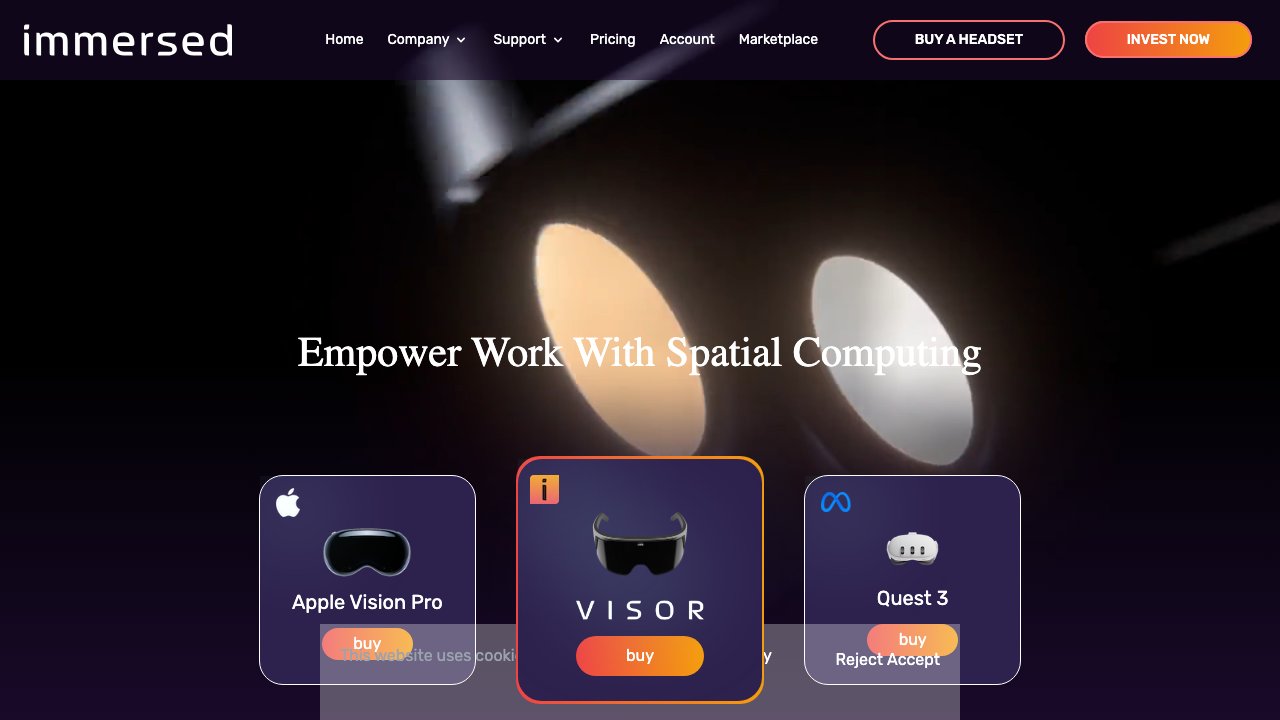
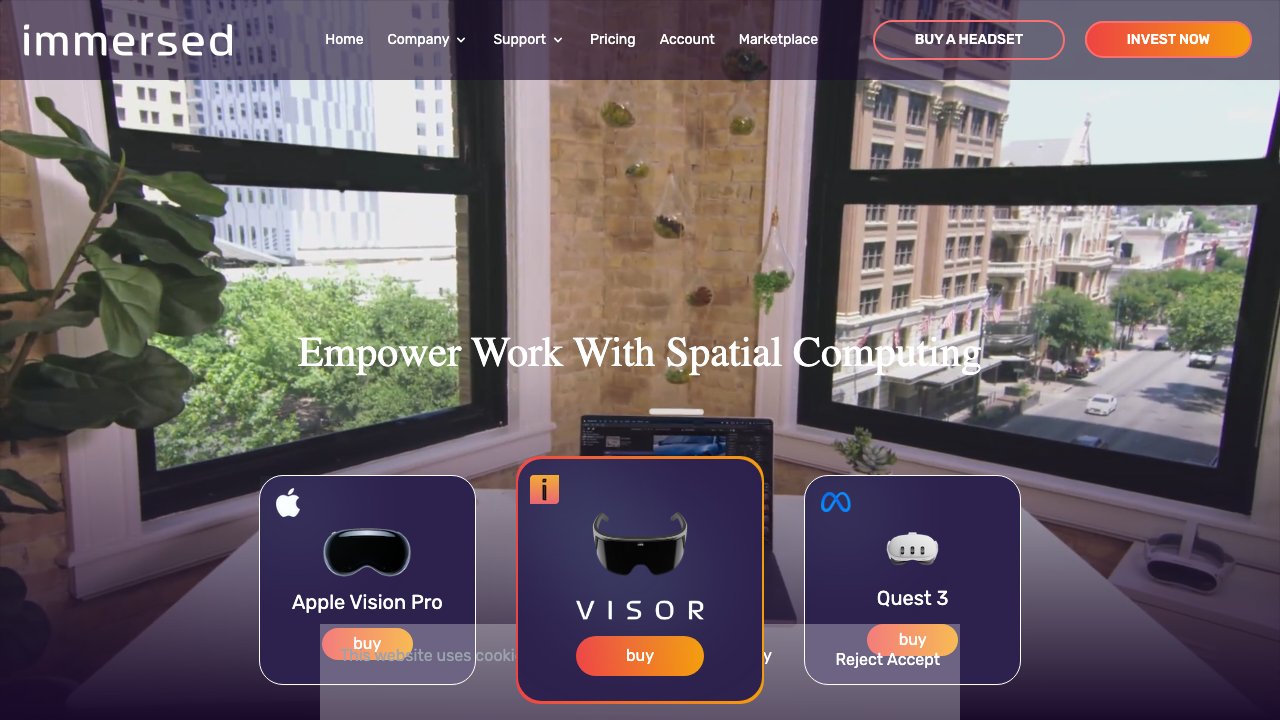
Immersed is purpose-built for productivity professionals who want a multi-monitor virtual workspace without the physical desk clutter. It lets you connect up to five virtual screens around you in any layout you choose, all wirelessly mirroring from your Mac, Windows, or Linux computer. The experience feels like having a personal IMAX theater just for your work.
The app supports collaborative features that let colleagues share a virtual workspace together, making it particularly compelling for remote teams. Each person can have their own monitors while still seeing teammates as avatars seated at the same virtual table. This bridges the gap between solo deep work and spontaneous collaboration.
The free tier is genuinely useful for individuals. The Pro plan at $4.99 per month unlocks unlimited screens, higher resolution, and priority support. Available on both Meta Quest and Apple Vision Pro, it is one of the few apps that works across the two dominant productivity headset platforms.
- Platform: Meta Quest, Apple Vision Pro
- Price: Free / Pro $4.99/month
- Best for: Remote workers, multi-taskers, distributed teams
- Download (Quest): https://www.meta.com/experiences/immersed/2849273531812512/
3. Spatial - 3D Collaboration Workspace
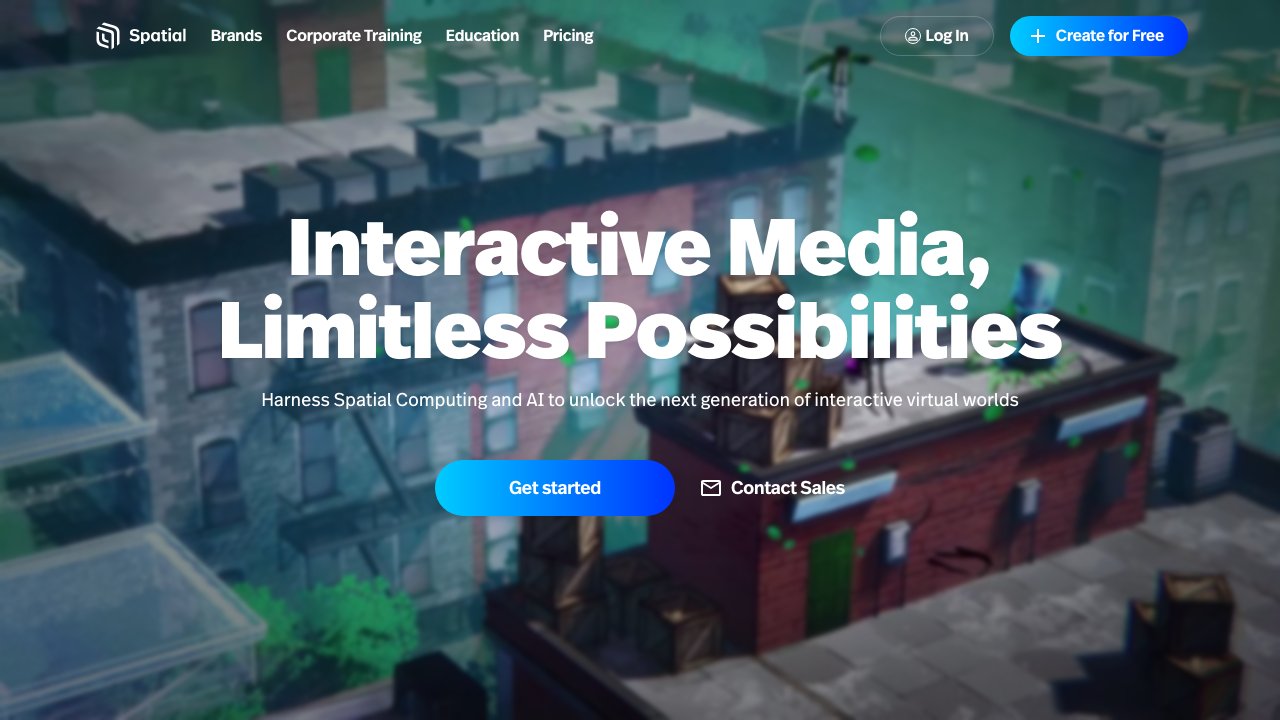
Spatial reimagines what a meeting room can be. Rather than another flat video call, it drops your team into a fully 3D virtual environment where you can share, annotate, and collaborate around content as if you were physically together. You can pin images, videos, 3D models, and whiteboards directly in the space around you.
One of Spatial's key strengths is cross-platform reach. Participants can join from Meta Quest, Apple Vision Pro, a standard web browser, or even a mobile phone, ensuring that no team member is left out because they lack a headset. The avatar quality has improved dramatically, making interactions feel more natural and less jarring than earlier spatial computing tools.
The free tier works well for small teams and individual exploration. The $20 per user per month Professional plan adds custom spaces, branding, advanced analytics, and priority support - making it the go-to for enterprise spatial collaboration.
- Platform: Meta Quest, Apple Vision Pro, Web, Mobile
- Price: Free / $20/user/month (Pro)
- Best for: Distributed teams, presentations, design reviews
- Download (Quest): https://www.meta.com/experiences/spatial/5977625105600231/
4. Microsoft Mesh - Enterprise Mixed Reality Collaboration
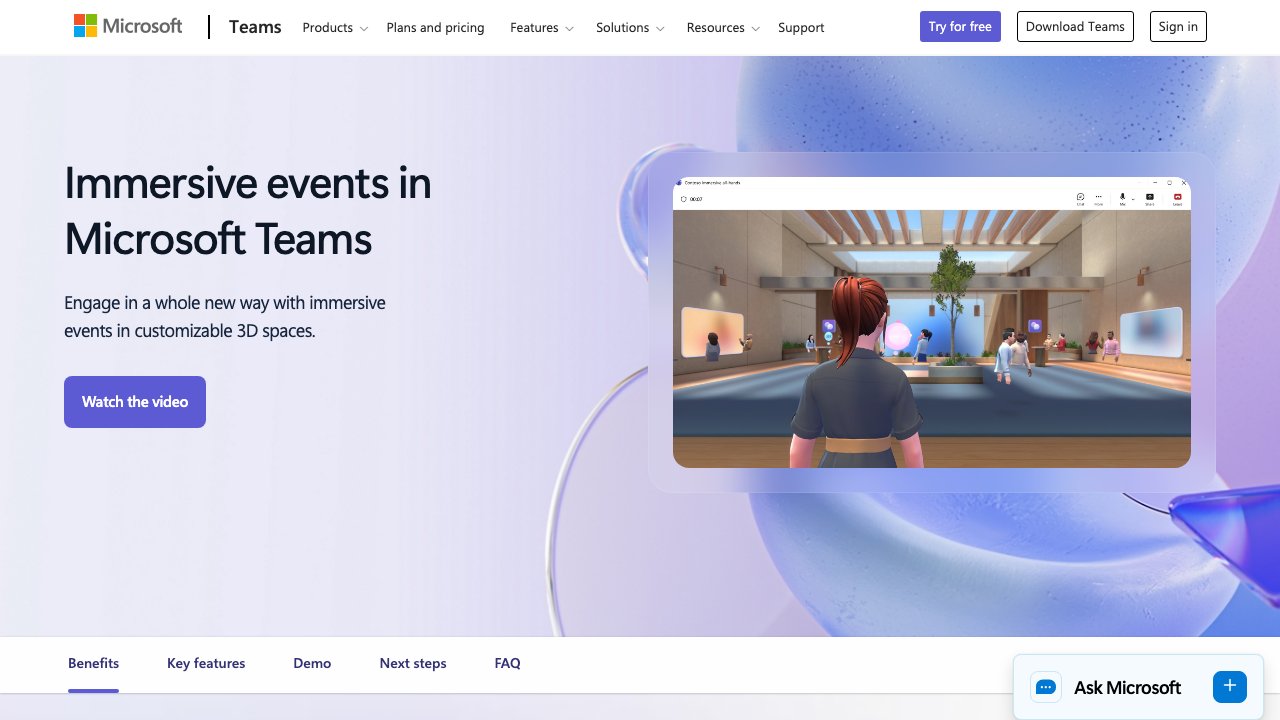
Microsoft Mesh integrates directly into the Microsoft 365 ecosystem, making it the natural choice for organizations already running Teams, SharePoint, and Azure. It brings colleagues together in immersive virtual meeting rooms where you can walk around shared 3D content, engage with holographic presentations, and maintain presence in a way that flat video calls simply cannot replicate.
What distinguishes Mesh from consumer-grade alternatives is its enterprise-grade security and compliance architecture. Data stays within your Microsoft tenant, meeting the regulatory requirements that matter for finance, healthcare, and government clients. IT administrators get full control over deployment and access policies.
Included with eligible Microsoft 365 plans, Mesh removes the need for a separate budget line. For HoloLens users, the experience extends into physical spaces, blending virtual content with the real world for scenarios like guided maintenance procedures and spatial training simulations.
- Platform: Meta Quest, HoloLens, PC (Teams)
- Price: Included with Microsoft 365 (eligible plans)
- Best for: Enterprise teams, Microsoft 365 customers, regulated industries
- Download (Quest): https://www.meta.com/experiences/microsoft-mesh/6696679840374591/
5. Gravity Sketch - 3D Design in Thin Air
Gravity Sketch turns your hands into professional 3D design tools. Industrial designers, automotive stylists, concept artists, and architects use it to sketch, model, and iterate on ideas in full three-dimensional space. The experience of pulling a car form out of thin air, walking around it, and refining proportions in real-time is something that no flat-screen CAD tool can match.
The app includes robust collaboration features that let multiple designers work on the same model simultaneously from different locations. Export formats cover the major pipelines - STL, OBJ, FBX, and more - so Gravity Sketch integrates naturally into existing production workflows rather than replacing them.
Available on Meta Quest, Apple Vision Pro, and SteamVR, its cross-platform reach makes it a practical choice for studios running mixed hardware. The free tier is generous for individuals; the Pro plan at $49 per month adds cloud storage, advanced export, and team management tools.
- Platform: Meta Quest, Apple Vision Pro, SteamVR (PC VR)
- Price: Free / Pro $49/month
- Best for: Industrial designers, concept artists, architects, 3D modelers
- Download (Quest): https://www.meta.com/experiences/gravity-sketch/1587090851394426/
- Download (Steam): https://store.steampowered.com/app/551370/Gravity_Sketch/
6. Craft - Document Creation in Spatial Computing
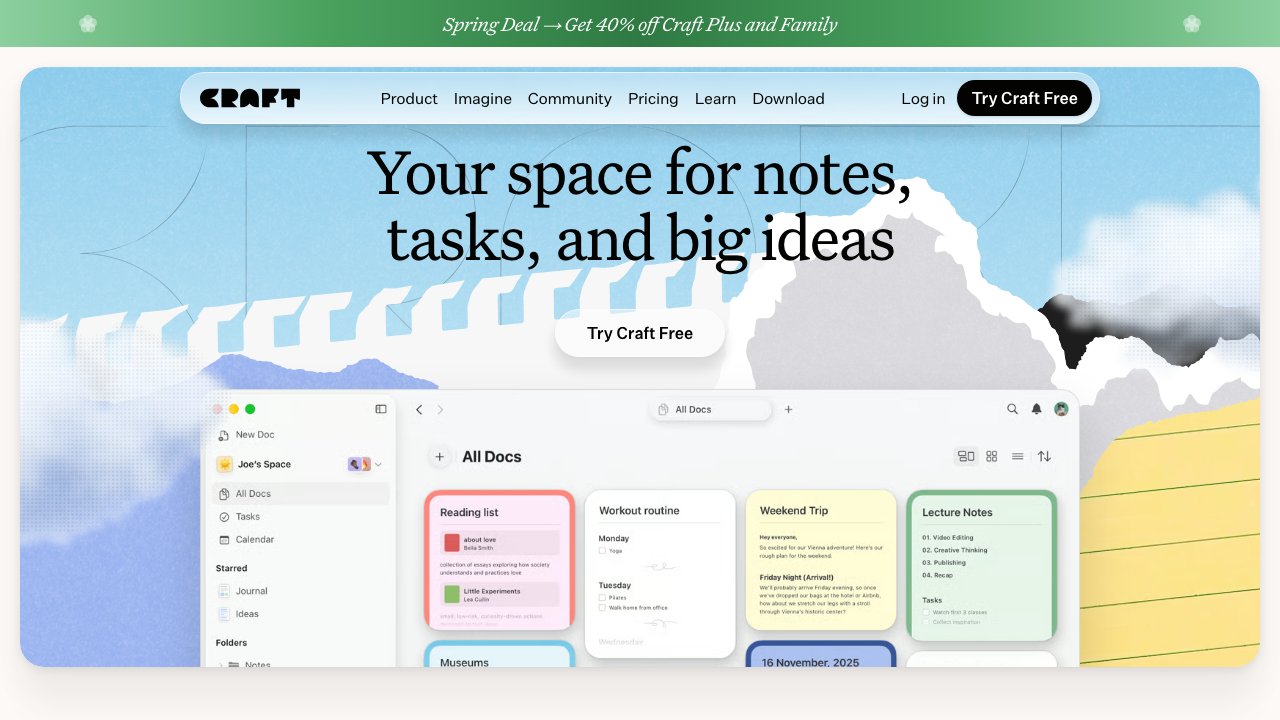
Craft is arguably the best native document creation app on Apple Vision Pro. Its spatial interface lets you spread documents, notes, and linked pages across your environment, creating a kind of ambient information architecture that keeps your thinking visible and connected. The app takes full advantage of visionOS features including window anchoring, eye tracking, and hand gestures.
Beyond aesthetics, Craft is a genuinely powerful writing and thinking tool. Its block-based structure supports rich formatting, inline links between documents, embeds, and robust export options including Markdown, PDF, and Word. For anyone building a second brain or managing a complex project, the ability to lay out interconnected documents in physical space is a genuine productivity multiplier.
The $4.99 per month subscription is competitive for what it offers. Craft syncs across all Apple devices, so notes created on Vision Pro are immediately available on iPhone and Mac, keeping your workflow seamless.
- Platform: Apple Vision Pro, iPhone, iPad, Mac
- Price: Free / $4.99/month (Pro)
- Best for: Writers, researchers, note-takers, knowledge workers
- Download (App Store): https://apps.apple.com/app/craft-docs-and-notes-editor/id1487937127
7. Things 3 - Best Task Manager on Vision Pro
Things 3 by Cultured Code has long been considered the finest task manager in the Apple ecosystem, and its Apple Vision Pro version lives up to the reputation. The spatial implementation gives you a clean, focused view of your projects and tasks without the visual noise that plagues many productivity apps. The one-time price model is a refreshing alternative in a subscription-heavy landscape.
The GTD-inspired structure handles everything from simple to-do lists to complex multi-project workflows with areas, projects, headings, and scheduled tasks. Quick entry via the natural language date parser is remarkably fast, letting you capture thoughts in seconds without breaking your workflow.
On Vision Pro, Things 3 benefits from the high-resolution display and precise eye-and-hand input, making navigation through long task lists feel effortless. The $49.99 one-time purchase is one of the better value investments for anyone serious about personal productivity.
- Platform: Apple Vision Pro, iPhone, iPad, Mac (all one-time purchases)
- Price: $49.99 (one-time, Vision Pro / Mac)
- Best for: GTD practitioners, project managers, anyone with many moving parts
- Download (App Store): https://apps.apple.com/app/things-3/id904237743
8. Shapr3D - Professional CAD in Spatial Computing
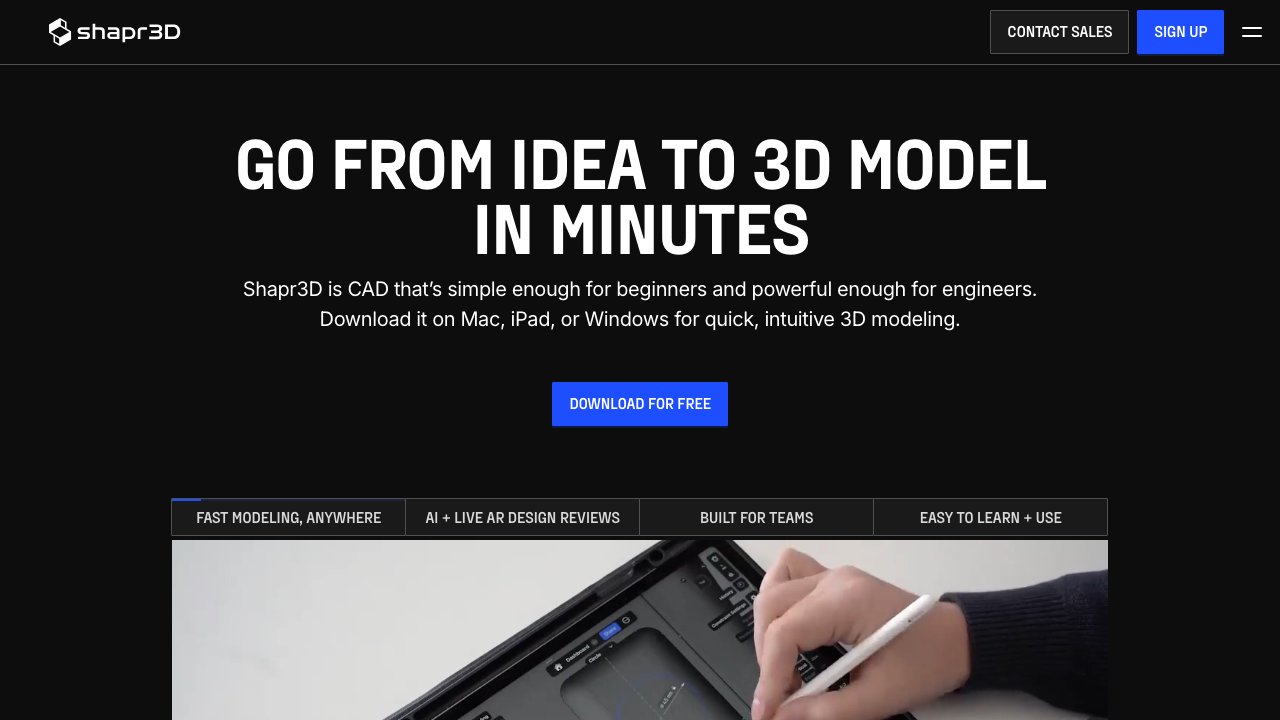
Shapr3D brings professional-grade parametric CAD to Apple Vision Pro, powered by the same Siemens Parasolid geometric kernel used in industrial CAD systems. This is not a hobbyist modeler - it is the tool that mechanical engineers, product designers, and manufacturing professionals use to create production-ready parts and assemblies.
On Vision Pro, the spatial interface fundamentally changes how engineers interact with their models. Rather than wrestling with 2D representations of 3D objects, you manipulate the model in its actual three-dimensional form. Dimensions, tolerances, and geometric relationships become immediately intuitive when you can physically reach into the design.
The $299 per year subscription reflects its professional positioning. For engineers who bill by the hour or ship physical products, the reduction in conceptual friction alone justifies the cost. Export to STEP, IGES, STL, and DXF keeps Shapr3D integrated with the broader manufacturing and simulation toolchain.
- Platform: Apple Vision Pro, iPad, Mac
- Price: $299/year
- Best for: Mechanical engineers, product designers, manufacturing professionals
- Download (App Store): https://apps.apple.com/app/shapr3d-cad-modeler/id1091675956
9. Noda - 3D Mind Mapping and Brainstorming
Noda takes the classic mind map and liberates it from the flat page. In VR, your ideas can branch in three dimensions, forming spatial networks that mirror the associative nature of human thought. The result is a brainstorming environment that feels genuinely different from any 2D diagramming tool and often unlocks connections that a flat map would obscure.
The interface is designed for rapid capture - you can add nodes, link them, color-code branches, and add text or image content with minimal friction. The 3D layout algorithm keeps the map readable as it grows, avoiding the cluttered hairball effect that plagues large 2D mind maps. Walking around your own thought process is surprisingly clarifying.
At $9.99, Noda is priced accessibly for individuals and small teams. It is particularly valuable for creative professionals, educators, researchers, and anyone who needs to externalize and organize complex thinking before diving into execution.
- Platform: Meta Quest
- Price: $9.99 (one-time)
- Best for: Brainstorming, creative research, visual thinking, planning sessions
- Download (Quest): https://www.meta.com/experiences/noda/3632215326850153/
10. Horizon Workrooms - Free Team Collaboration by Meta
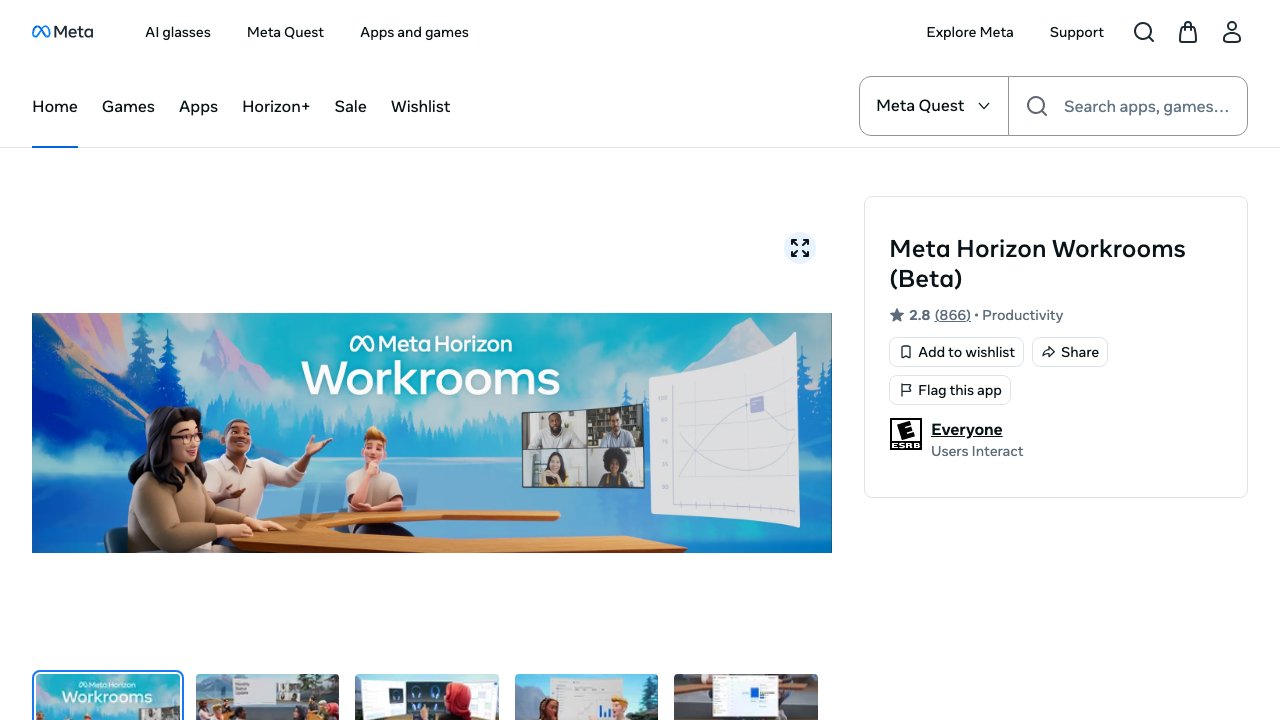
Horizon Workrooms is Meta's own take on the virtual office and it remains one of the most polished free options in the space. The core concept is a shared virtual meeting room where colleagues can join as avatars and collaborate around a whiteboard, present content, and conduct discussions in a way that preserves spatial social cues that video calls eliminate.
A standout feature is the ability to bring your physical desk into the virtual space. Using your Quest's passthrough, Workrooms can track your real keyboard and display it in the virtual environment, letting you type naturally while immersed. This physical-virtual bridge makes it practical for extended sessions rather than just short demos.
As a free offering with no premium tier, Workrooms is an easy first step for any team curious about VR collaboration. Meta continues to update it with improved avatar expressiveness, better audio spatialization, and tighter integration with the broader Quest ecosystem.
- Platform: Meta Quest
- Price: Free
- Best for: Teams new to VR collaboration, budget-conscious organizations, Meta ecosystem users
- Download (Quest): https://www.meta.com/experiences/horizon-workrooms/2514011888645651/
Frequently Asked Questions
What is the best VR headset for productivity in 2026?
Apple Vision Pro leads for professional use cases thanks to its exceptional display resolution, precise eye-and-hand tracking, and tight integration with macOS and iOS workflows. Meta Quest 3 is the best value option, offering strong performance at a fraction of the price with access to the largest VR app ecosystem. For enterprise deployments, Microsoft HoloLens 2 paired with Mesh remains the most mature mixed-reality solution.
Can I use VR productivity apps without a high-end PC?
Yes. Many of the best VR productivity apps run natively on the headset without any PC required. Spatial, Noda, Immersed (with mobile companion), and Horizon Workrooms all function as standalone Quest apps. Virtual Desktop and Immersed require a companion computer for their core streaming features, but the headset itself handles all rendering.
Is VR actually more productive than working on regular monitors?
Research and widespread anecdotal evidence suggest that VR can significantly improve focus by eliminating physical environment distractions. The ability to create unlimited virtual screen real estate also benefits multi-monitor workflows. That said, productivity gains are most pronounced for tasks like deep work, 3D design, and spatial collaboration. For quick tasks or frequent switching, a physical setup may still be faster.
How do VR productivity apps handle eye strain during long sessions?
Modern headsets and apps include multiple comfort features: adjustable IPD, brightness controls, blue light filters, and automatic break reminders. The best practice is to follow the 20-20-20 rule (every 20 minutes, look at something 20 feet away for 20 seconds), take 5-10 minute breaks every hour, and ensure your lens settings are calibrated correctly. Many users report that properly set up sessions of 2-3 hours are comfortable.
Are VR productivity apps secure enough for enterprise use?
Enterprise-grade options like Microsoft Mesh process data within your existing Microsoft 365 security boundary and comply with major regulatory frameworks including GDPR, HIPAA, and SOC 2. For other apps, review the vendor's data processing agreements carefully. As a general rule, treat VR productivity apps the same as any SaaS tool - evaluate data residency, encryption, access controls, and compliance certifications before deploying to sensitive workloads.
Related Resources
- Best VR Headsets 2026 - Complete buyer's guide to VR headsets
- XR Software Directory - Browse 500+ XR apps and platforms
- XR Hardware Guide - Compare headsets, smart glasses, and AR devices