Best Apple Vision Pro Apps
The 11 best Apple Vision Pro apps in 2026 - from immersive medical visualization with Inviewer to cultural storytelling with Cree. The definitive spatial computing app guide.
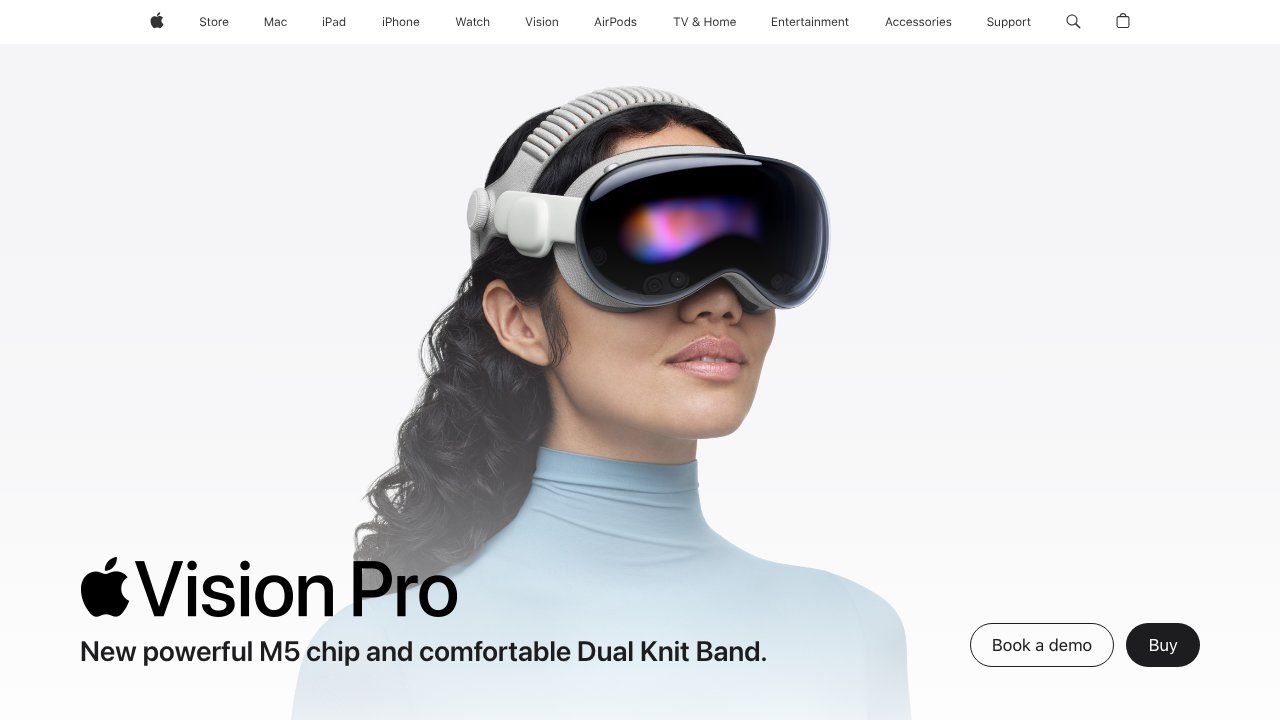
Apple Vision Pro represents the most sophisticated personal computing device ever shipped. With its ultra-high-resolution micro-OLED displays, precise eye-and-hand tracking, and seamless bridging of the physical and digital worlds, it opens a new category of applications that simply could not exist on any other platform. From immersive storytelling to professional medical visualization, these are the apps defining what spatial computing can become.
1. Inviewer - Immersive Medical Anatomy Visualizer
Inviewer is one of the most compelling demonstrations of what spatial computing can do for education and professional practice. It presents photorealistic, anatomically accurate 3D models of the human body that you can explore at any scale - from the full skeletal system down to the cellular level. Medical students can walk inside a beating heart. Surgeons can rehearse a procedure on a spatial model before entering the operating room.
What separates Inviewer from previous anatomy apps is the fidelity enabled by Vision Pro's displays. Structures render with enough detail to distinguish individual nerve fibers and vascular branches. The spatial audio layer adds heartbeat sounds and breathing patterns that make the experience viscerally educational in a way that no textbook or flat-screen simulation achieves.
For healthcare educators, the ability to share a spatial anatomy session with students - everyone looking at the same 3D model from different angles - transforms classroom anatomy from a passive lecture into an active spatial exploration. This is the future of medical education, available today.
- Platform: Apple Vision Pro
- Price: Available on App Store
- Best for: Medical students, anatomy educators, healthcare professionals, surgical planning
- Download (App Store): https://apps.apple.com/app/inviewer/id6474347810
2. Cree: An Indigenous Story - Cultural Preservation Through Spatial Storytelling
Cree: An Indigenous Story is a landmark in spatial computing - one of the first apps to use the medium specifically for cultural preservation and indigenous storytelling. The app immerses you in the world of the Cree people, one of the largest indigenous groups in North America, through stories, landscapes, and cultural practices that have been passed down for generations. On Vision Pro, the experience transcends entertainment: it becomes a form of living memory.
The spatial format is uniquely suited to indigenous oral storytelling traditions where place, environment, and embodied presence are inseparable from the narrative. Being surrounded by the boreal forest, hearing the sounds of the land, and watching stories unfold in three dimensions creates a visceral connection to culture and history that a film or book cannot replicate. Elders and knowledge keepers collaborated on the content to ensure authenticity and respect.
Apps like this demonstrate spatial computing's potential beyond productivity and entertainment. As a vehicle for cultural preservation, language revitalization, and cross-cultural understanding, immersive storytelling may prove to be one of the most important applications of the technology. This app is essential for anyone who wants to understand the full scope of what spatial computing can accomplish.
- Platform: Apple Vision Pro
- Price: Available on App Store
- Best for: Cultural education, indigenous history, immersive storytelling, empathy experiences
- Download (App Store): https://apps.apple.com/app/cree/id6503185700
3. Things 3 - Spatial Task Management Perfected
Things 3 by Cultured Code is consistently rated the best task manager in the Apple ecosystem, and its Vision Pro implementation makes a compelling case that spatial computing is the ideal environment for managing complex personal projects. The clean, distraction-free interface scales beautifully to Vision Pro's high-resolution canvas, and the eye-and-hand input makes navigating lists and capturing tasks remarkably fluid.
The GTD-inspired architecture handles everything from simple daily to-dos to multi-phase project roadmaps. Areas, projects, headings, tags, and deadline tracking combine into a system flexible enough for a solo freelancer and disciplined enough for a startup founder managing dozens of parallel workstreams. The natural language date parser is one of the fastest task capture experiences available on any platform.
At $49.99 for a one-time purchase on Vision Pro (with separate apps for iPhone, iPad, and Mac), Things 3 is a long-term investment in a tool that has been continuously refined for over a decade. For knowledge workers spending significant time on Vision Pro, it is a day-one essential download.
- Platform: Apple Vision Pro, iPhone, iPad, Mac
- Price: $49.99 (one-time, Vision Pro/Mac)
- Best for: GTD practitioners, founders, project managers, productivity enthusiasts
- Download (App Store): https://apps.apple.com/app/things-3/id904237743
4. Craft - Your Spatial Document Studio
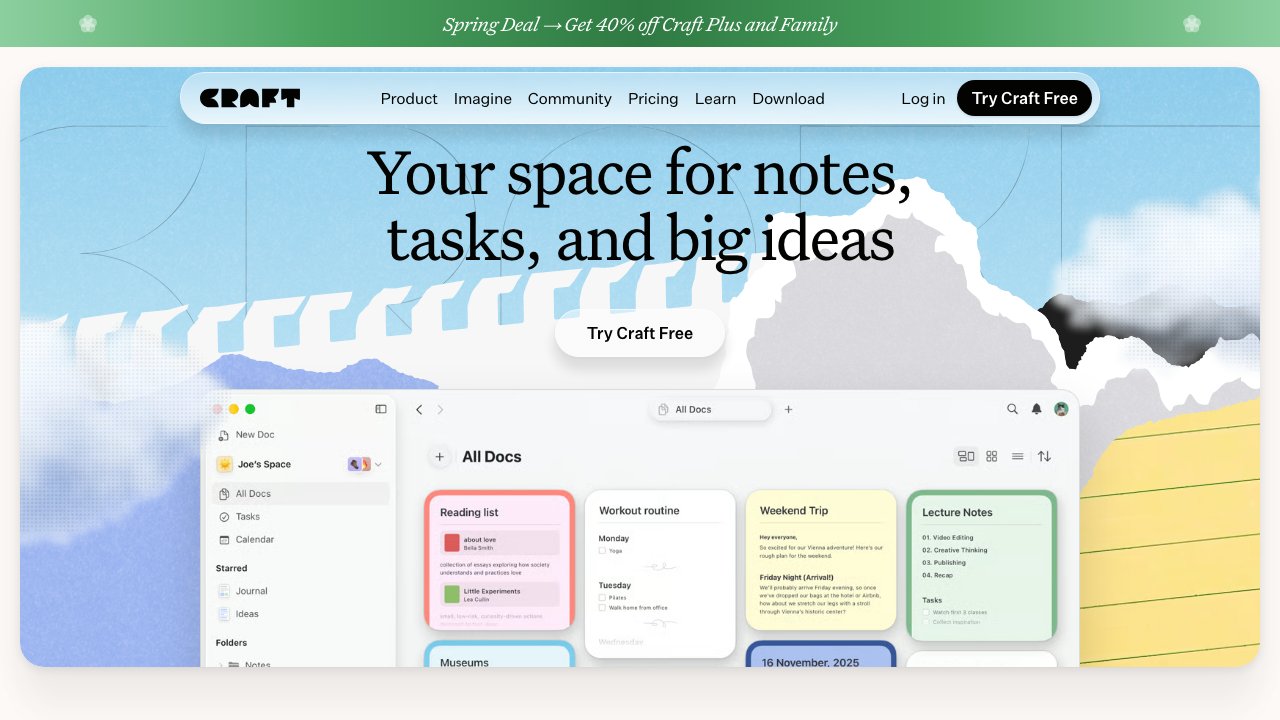
Craft transforms document creation on Vision Pro into something closer to thinking than typing. Its spatial interface lets you lay out interconnected notes, documents, and pages around you in physical space, creating an ambient information architecture that keeps your entire knowledge base visible and navigable. For researchers, writers, and strategists, this spatial organization reflects how ideas actually relate to each other.
The block-based editor supports rich text formatting, inline links between documents, embedded media, tables, and code blocks. The export system covers Markdown, PDF, Word, and HTML, making Craft a practical hub that connects to the rest of your toolchain. visionOS-specific features like window anchoring and eye tracking make the app feel genuinely native rather than an iPad port stretched to fill a larger canvas.
Craft syncs in real time across all Apple devices, so documents started on Vision Pro are immediately available on iPhone and Mac. The combination of spatial organization and cross-device continuity makes it one of the most versatile productivity tools in the Vision Pro ecosystem.
- Platform: Apple Vision Pro, iPhone, iPad, Mac
- Price: Free / Pro $4.99/month
- Best for: Writers, researchers, note-takers, PKM (personal knowledge management) practitioners
- Download (App Store): https://apps.apple.com/app/craft-docs-and-notes-editor/id1487937127
5. Mindfulness - Immersive Meditation in Spatial Computing
Apple's own Mindfulness app takes on an entirely new dimension on Vision Pro. What is a simple breathing exercise widget on Apple Watch becomes an immersive environmental experience in spatial computing. The app surrounds you with calming animated environments - northern lights, deep ocean, geometric forms - while guiding you through breathing and reflection exercises.
The high-resolution micro-OLED displays and spatial audio combine to create genuinely transportive experiences. The act of closing your eyes, following a breathing pattern, and reopening them to a slowly shifting aurora borealis is qualitatively different from the same exercise on a small screen. For anyone living in a visually noisy environment, Vision Pro's ability to completely replace your visual field creates an on-demand sanctuary.
Included with Apple One or as part of the base visionOS experience, Mindfulness has no additional cost. It is a quiet but powerful demonstration of how spatial computing can support mental wellness alongside productivity - and a reminder that the best use of the technology is not always the most technically complex.
- Platform: Apple Vision Pro, Apple Watch, iPhone
- Price: Free (included with Apple One / base visionOS)
- Best for: Stress management, daily mindfulness practice, focus reset between work sessions
- Download (App Store): https://apps.apple.com/app/mindfulness/id1532837348
6. Crunchyroll - Anime in Immersive Cinema
Crunchyroll on Vision Pro delivers one of the most impressive entertainment experiences on the platform. The app uses visionOS's Immersive Space API to place you in a virtual cinema where your chosen anime fills an enormous screen. For a genre celebrated for its visual artistry, the combination of Vision Pro's 23-million-pixel displays and spatial audio creates a viewing experience that rivals premium theater setups.
The catalog spans thousands of titles across every anime subgenre - shonen action, slice-of-life, mecha, romance, and everything in between. Simulcast delivery means new episodes drop hours after their Japanese broadcast, keeping global fans in sync with the originating audience. The interface is optimized for Vision Pro's eye-and-hand navigation, making it easy to browse, queue, and control playback without reaching for a controller.
The free tier includes ads across most of the catalog, while the $7.99 per month subscription removes ads and unlocks simulcast access and offline downloads on mobile devices. For anime fans who invest in Vision Pro, Crunchyroll is a must-have day-one install.
- Platform: Apple Vision Pro, iPhone, iPad, Android, TV platforms
- Price: Free (ad-supported) / $7.99/month (Premium)
- Best for: Anime fans, immersive entertainment, long-form viewing sessions
- Download (App Store): https://apps.apple.com/app/crunchyroll/id329913454
7. Gravity Sketch - Professional 3D Design in Thin Air
Gravity Sketch is the spatial computing tool that professional designers have been waiting for. Its Vision Pro implementation leverages the device's precise hand tracking to give designers a level of control and expressiveness that controller-based VR simply cannot match. You reach out and sculpt, pull curves, extrude surfaces, and refine proportions with your hands exactly as you would with physical clay - but with perfect undo, parametric constraints, and instant export.
Industrial designers at leading automotive, consumer electronics, and footwear companies use Gravity Sketch as a core ideation tool. The ability to create and walk around a life-size product concept in minutes - before committing to CAD - compresses design cycles and improves communication between designers and engineers who speak different visual languages.
Cross-platform collaboration with Meta Quest and SteamVR users means that studios running mixed hardware can share sessions seamlessly. Export to FBX, OBJ, and STEP integrates Gravity Sketch into any downstream production pipeline. The free tier is fully functional for individual creators; Pro unlocks cloud collaboration and team management for $49 per month.
- Platform: Apple Vision Pro, Meta Quest, SteamVR
- Price: Free / Pro $49/month
- Best for: Industrial designers, product developers, concept artists, 3D modelers
- Download (App Store): https://apps.apple.com/app/gravity-sketch/id1368584077
8. Shapr3D - Precision CAD in Spatial Computing
Shapr3D is the only professional parametric CAD application available on Apple Vision Pro, and it is built on the Siemens Parasolid kernel - the same geometric engine powering CATIA, NX, and SolidWorks. This is not a simplified viewer or a hobbyist tool. Engineers use Shapr3D to create production-ready mechanical designs with full dimensional tolerancing and constraint-based parametric relationships.
On Vision Pro, the spatial interface fundamentally reframes how engineers work with 3D geometry. Rather than projecting a three-dimensional object onto a 2D screen and mentally reconstructing its volume, you interact with the model in its native three-dimensional form. Selecting a face to extrude, adjusting a fillet radius, or checking part clearances becomes intuitive in ways that orthographic viewport navigation never achieves.
Shapr3D syncs designs across Vision Pro, iPad, and Mac via iCloud, fitting naturally into mixed-device workflows where engineers sketch concepts in spatial and refine details at a traditional workstation. At $299 per year, it is priced for professionals whose time is worth more than the subscription cost.
- Platform: Apple Vision Pro, iPad, Mac, Windows
- Price: $299/year
- Best for: Mechanical engineers, product designers, manufacturing, architecture
- Download (App Store): https://apps.apple.com/app/shapr3d-cad-modeler/id1091675956
9. Infuse 7 - Your Personal Immersive Cinema
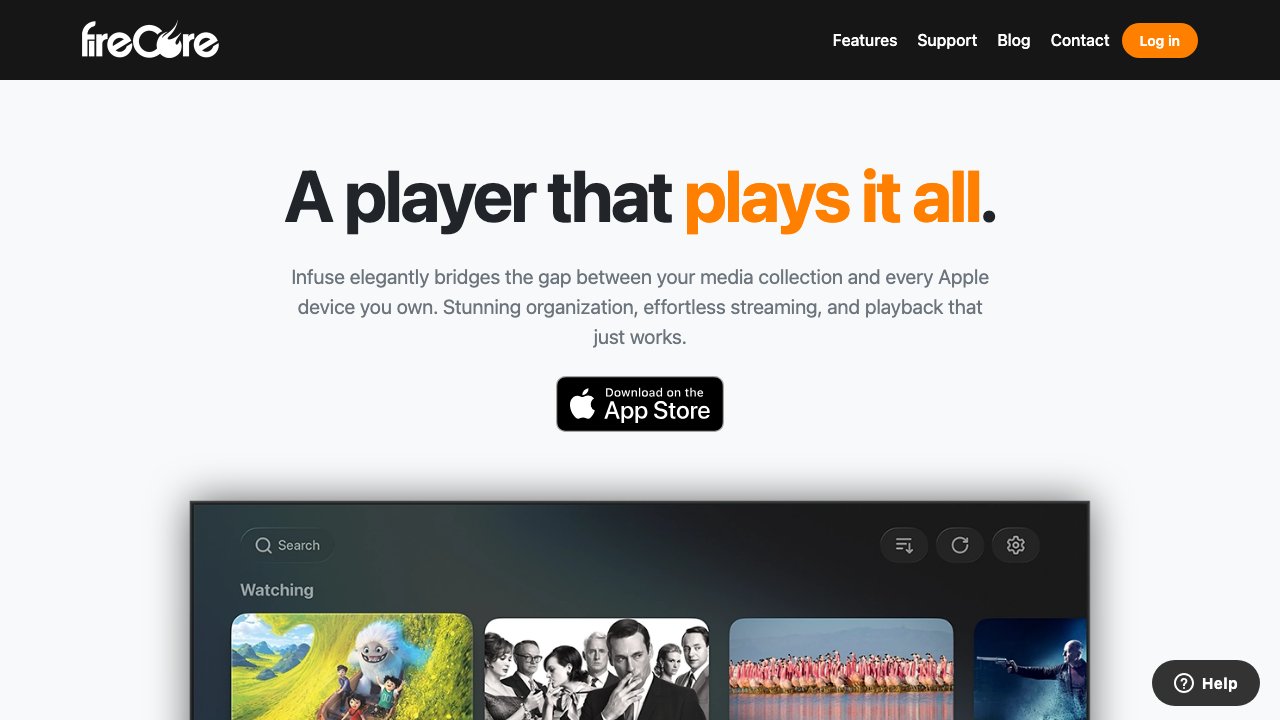
Infuse 7 by Firecore turns Apple Vision Pro into the finest personal home theater ever built. The app plays virtually any video format - MKV, AVI, MP4, M4V, ISO, and dozens more - pulling content from your local library, NAS drives, cloud storage, or network shares. The Vision Pro's 23-million-pixel displays render 4K HDR content with a visual fidelity that no physical television can match at any price.
The Immersive Space environment places you in a luxurious virtual cinema with perfect acoustics and a screen that fills your entire visual field. The spatial audio processing transforms standard stereo and surround soundtracks into genuinely three-dimensional soundscapes. IMAX Enhanced certification means that properly encoded content plays at its full intended scope and quality on the Vision Pro's displays.
At $9.99 for the base app (with optional Pro subscription for cloud sync and additional features), Infuse 7 offers extraordinary value for anyone with a personal media library. It is the answer to the question of whether Vision Pro can replace a dedicated home theater - and the answer is an unqualified yes.
- Platform: Apple Vision Pro, iPhone, iPad, Apple TV
- Price: $9.99 / Pro subscription available
- Best for: Film enthusiasts, home cinema, large media libraries, 4K HDR content
- Download (App Store): https://apps.apple.com/app/infuse-7/id1136220934
10. Spatial - 3D Collaboration Without Borders
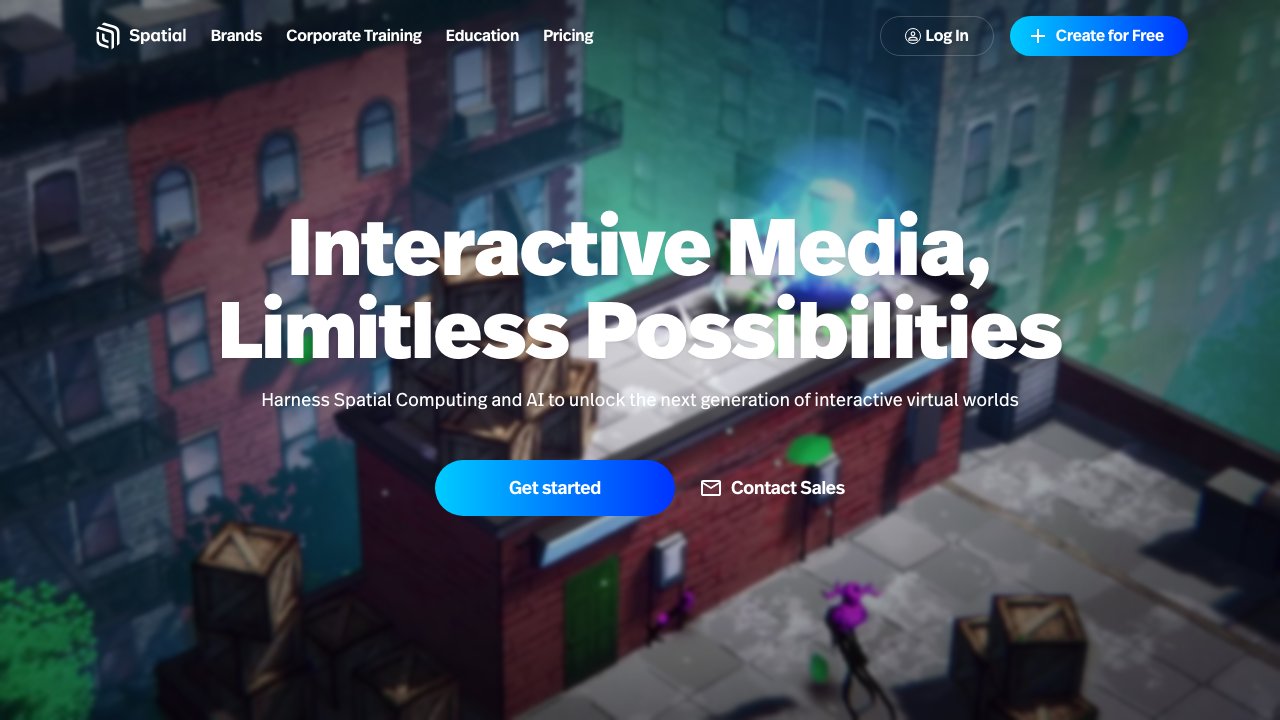
Spatial on Apple Vision Pro delivers the most immersive version of its cross-platform 3D collaboration experience. The Vision Pro's precise eye-and-hand tracking makes interacting with shared spatial content - whiteboards, 3D models, presentation slides, video feeds - feel genuinely natural. You can gesture at content, rearrange it, annotate it, and discuss it with colleagues who may be joining from other headsets, browsers, or mobile phones.
The platform is content-agnostic. You can import 3D models from Figma, Blender, or CAD tools; drop in images, PDFs, and videos; stream your computer screen directly into the space; or use the built-in whiteboard for freeform ideation. The persistent room feature means your collaborative space stays set up between sessions - walk back in and everything is exactly where you left it.
For distributed product teams, design studios, and innovation labs, Spatial represents a genuine step toward the future of collaboration. The free tier supports small teams, and the $20 per user per month Professional plan adds the features that growing organizations need.
- Platform: Apple Vision Pro, Meta Quest, Web, Mobile
- Price: Free / Pro $20/user/month
- Best for: Distributed teams, design reviews, 3D collaboration, client presentations
- Download (App Store): https://apps.apple.com/app/spatial/id1579836006